
Key facts
- Manuals
- 1
- Languages
- EN
- Last added
- 2023-10-31
Featured Akytec manuals
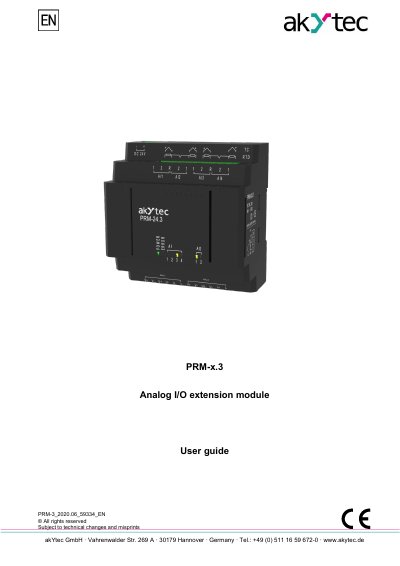
akytec PRM-x.3 Analog I/O Extension Module User Guide
This user guide details the installation, wiring, configuration, and maintenance of the akYtec PRM-x.3 analog I/O extension module. It includes specifications for inputs and outputs, environmental conditions, and safety precautions. The module connects to a PR200 base device via an internal bus and supports various sensor types and output signals. Maintenance involves cleaning, checking fastenings, and inspecting wiring.
The guide also covers firmware updates, calibration procedures for inputs and outputs, and troubleshooting through LED indicators. Safety warnings are provided for electrical work and environmental use, including restrictions on medical or explosive environments.
Covers: Introduction · Overview · Specifications · Installation · Configuration · Firmware Update
Latest Akytec manuals
akytec PRM-x.3 Analog I/O Extension Module User Guide
User Manual 22 pages · 1.4 MB · ENUser guide for akYtec's PRM-x.3 analog I/O extension module, covering installation, wiring, calibration, and maintenance.
Which document do I need?
User Manual
Day-to-day operation, settings and troubleshooting. Start here if the product is already set up.
Questions answered in Akytec manuals
What is the power supply range for the PRM-x.3 module?
The module supports 230 (90…264) V AC 50 (47…63) Hz or 24 (19 … 30) V DC.
How many modules can be connected to the PR200 base device?
Maximum two PRM modules can be connected in series.