
Key facts
- Manuals
- 1
- Languages
- EN
- Last added
- 2023-10-19
Featured Aimpoint manuals
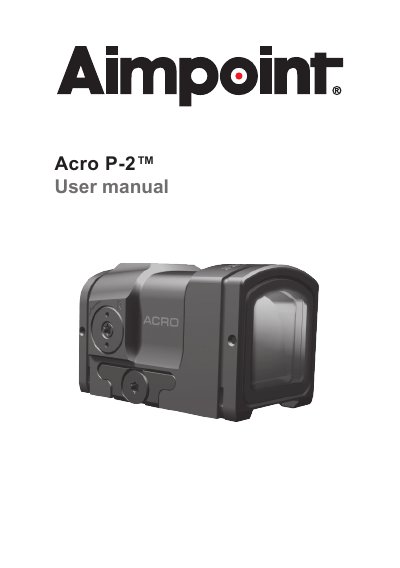
Aimpoint Acro P-2™ User Manual
This manual provides instructions for installing, operating, and zeroing the Aimpoint Acro P-2™ red dot sight. It includes details on battery replacement, adjusting dot intensity, and windage/elevation settings. The sight features a 1X magnification, 2.5 MOA dot, and is compatible with NVD. It is submersible to 35m and operates in extreme temperatures from -45°C to +71°C. Troubleshooting guidance is also provided for common issues.
Covers: Presentation · Technical Specification · Operation · Install the Sight · Zeroing · Extreme Conditions
Latest Aimpoint manuals
Aimpoint Acro P-2™ User Manual
User Manual 12 pages · 943 KB · ENUser manual for the Aimpoint Acro P-2™ red dot sight, covering installation, operation, zeroing, and troubleshooting.
Which document do I need?
User Manual
Day-to-day operation, settings and troubleshooting. Start here if the product is already set up.
Questions answered in Aimpoint manuals
How do I adjust the red dot intensity?
Press or to turn the sight ON. Hold to turn it OFF. Press or to adjust intensity. Settings 1-4 are for NVD, 5-10 for daylight.
What should I do if the red dot does not appear?
Ensure the battery compartment contacts are clean and that a CR2032 battery is installed correctly. If the sight malfunctions, notify your local dealer or armourer.