
Key facts
- Manuals
- 1
- Languages
- EN
- Last added
- 2023-10-27
Featured AFN manuals
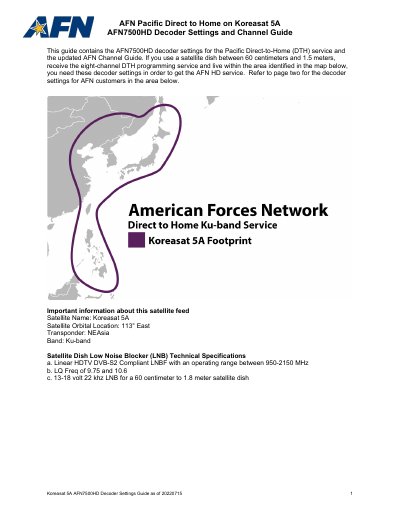
AFN 7500HD Decoder Settings and Channel Guide
This guide provides step-by-step instructions to configure the AFN 7500HD decoder for the Pacific Direct-to-Home (DTH) service on Koreasat 5A. It includes satellite setup details, transponder settings, and channel listings for TV and radio services. Users must access the 'Satellite Setup' menu via the remote control and enter specific technical parameters to receive HD programming. The guide also lists available channels and contact information for technical support.
Covers: Satellite Setup · Transponder Configuration · Channel Guide · Technical Specifications · Support Contact
Latest AFN manuals
AFN 7500HD Decoder Settings and Channel Guide
User Manual 6 pages · 689 KB · ENUser guide for AFN 7500HD decoder settings and channel list for Koreasat 5A satellite service.
Which document do I need?
User Manual
Day-to-day operation, settings and troubleshooting. Start here if the product is already set up.
Questions answered in AFN manuals
How do I access the decoder settings menu?
Access the 'Main Menu', scroll to 'Settings', then select 'Installation' and choose 'Satellite Setup'.
What is the default PIN for the decoder?
The factory default PIN is 0000.