
Key facts
- Manuals
- 1
- Languages
- EN
- Last added
- 2023-11-15
Featured Aerocool manuals
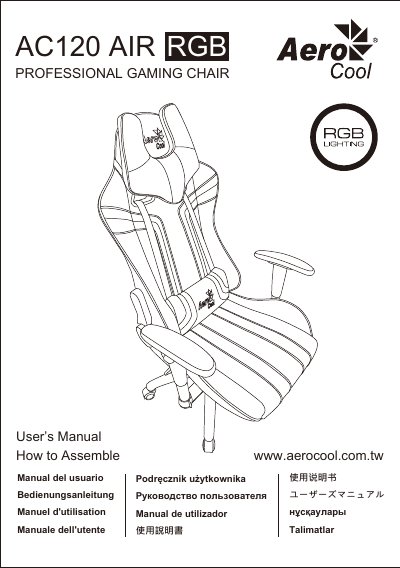
AEROCOOL AC120 AIR RGB Gaming Chair User's Manual
This is the user's manual for the AEROCOOL AC120 AIR RGB professional gaming chair. It explains how to check the package contents, assemble the seat and wheel base, attach the headrest and back cushions, and set up the RGB lighting.
The package includes the backrest, seat, butterfly mechanism, star base, wheels, gas lift, cushions, screws, RGB remote control, infrared sensor, RGB control box, LED connectors, and an Allen key. Protective gloves are required during assembly because the metal bracket can spring into an upright position.
Covers: Chair Parts · How to assemble AC120 AIR RGB · How to attach cushions · RGB Lighting · Optic strip installation · Remote control operation
Latest Aerocool manuals
AEROCOOL AC120 AIR RGB Gaming Chair User's Manual
User Manual 10 pages · 2.4 MB · ENAEROCOOL AC120 AIR RGB gaming chair user's manual with assembly instructions and RGB lighting setup.
Which document do I need?
User Manual
Day-to-day operation, settings and troubleshooting. Start here if the product is already set up.
Questions answered in Aerocool manuals
What should I do if parts are missing from the package?
Please call the local distributor for assistance.
Are protective gloves required during assembly?
Yes, work gloves are required because using bare hands may cause serious injury.