
Key facts
- Brand
- EXtron
- Model
- MLC 104 IP
- Category
- Automation control Equipment
- Industry
- Electronics
- Documents
- 2
- Languages
- EN · ZH
- Last added
- 2011-11-12
Start here
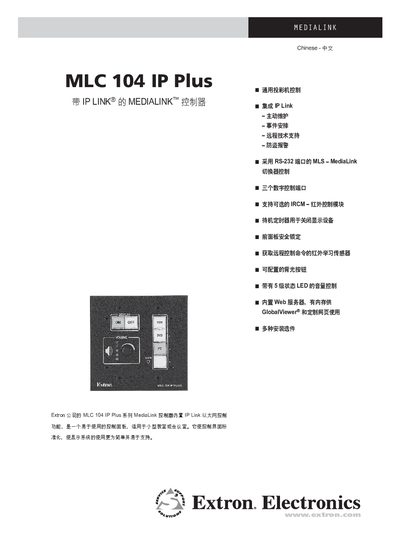
Extron MLC 104 IP Plus MediaLink Controller User Manual
The MLC 104 IP Plus MediaLink controller is a compact, Ethernet‑enabled control panel designed for small classrooms or conference rooms. It standardizes control of projectors, switches, and other AV equipment, offering IP Link networking, RS‑232, infrared, and digital I/O interfaces.
The manual covers installation options, configuration with Extron’s Global Configurator software, custom web‑based GUIs, and detailed technical specifications such as serial settings, power requirements, and dimensions. This manual is written in Chinese.
EXtron MLC 104 IP specifications
| Power Input | 100‑240 V, 1.0 A max, 50‑60 Hz |
|---|---|
| Audio Input Type | Line‑level mono |
| Audio AUX/MIX Adjustment | -42 dB to +24 dB |
| Control Interfaces | RS‑232 and IR ports |
Source: Extron MLC 104 and MLC 104 IP Series MediaLink Controllers Installation Guide
All EXtron MLC 104 IP documents by type
Mounting, wiring and first power-up. Read it before the hardware goes in.
Day-to-day operation, settings and troubleshooting. Start here if the product is already set up.
Questions answered in these manuals
What safety precautions must be followed before using the MLC 104 controller?
Read and understand all safety and operating instructions, retain the safety instructions for future reference, and follow all warnings marked on the equipment.
From: Extron MLC 104 and MLC 104 IP Series MediaLink Controllers Installation Guide
What are the power requirements for the MLC 104 controller?
The controller operates from a 100‑240 V AC source, drawing up to 1.0 A at 50‑60 Hz.
From: Extron MLC 104 and MLC 104 IP Series MediaLink Controllers Installation Guide
How is the MLC 104 IP Plus configured?
Configuration is done with Extron’s free Global Configurator software, which allows full setup of ports, drivers, and remote features.
From: Extron MLC 104 IP Plus MediaLink Controller User Manual