
Key facts
Start here
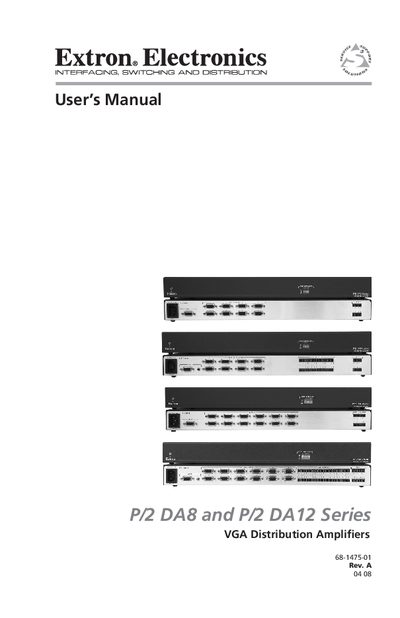
Extron P/2 DA8 and P/2 DA12 VGA Distribution Amplifier User Manual
This manual provides all the information needed to install, mount, and operate the Extron P/2 DA8 and P/2 DA12 series VGA distribution amplifiers. It includes safety instructions, front‑ and rear‑panel descriptions, wiring details, and troubleshooting guidance.
The document also lists the technical specifications, included parts, optional accessories, and warranty information for both the video‑only and audio‑capable models.
EXtron DA8 specifications
| Supported video resolutions | VGA (640 × 480) to QXGA (2048 × 1536) |
|---|---|
| Maximum XGA cable length | 150 ft over Extron mini high‑resolution cable |
| Audio version capability | Accepts a single unbalanced audio input and distributes to eight or twelve balanced or unbalanced audio outputs |
Source: Extron P/2 DA8 and P/2 DA12 VGA Distribution Amplifier User Manual
All EXtron DA8 documents by type
Day-to-day operation, settings and troubleshooting. Start here if the product is already set up.
Questions answered in these manuals
What is the highest video resolution supported by these amplifiers?
They support video resolutions up to QXGA (2048 × 1536).
From: Extron P/2 DA8 and P/2 DA12 VGA Distribution Amplifier User Manual
What is the maximum cable length for extending an XGA signal?
An XGA signal can be extended up to 150 ft using Extron mini high‑resolution cable.
From: Extron P/2 DA8 and P/2 DA12 VGA Distribution Amplifier User Manual