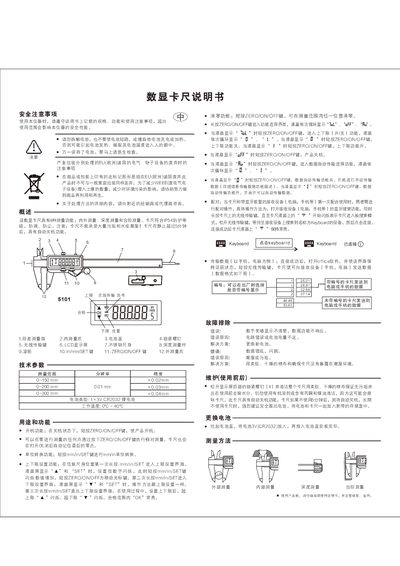
This user manual provides operating instructions, measurement methods, specifications, battery replacement, safety warnings, and troubleshooting for a…
About this manual
The digital caliper offers four measurement functions—external, internal, depth, and step measurement—and features IP54 splash‑ and dust‑proof protection. It includes automatic power‑off after 5 minutes of inactivity, unit conversion between mm and in, and upper/lower limit settings with visual indicators.
The manual explains how to replace the 3 V CR2032 lithium battery, pair the device via Bluetooth for data transmission to a computer or mobile phone, and perform maintenance such as cleaning with a soft dry cloth. Safety precautions, error troubleshooting, and specifications such as measurement range, resolution, and accuracy are also covered. This manual is written in Chinese.
What's inside
- Measurement methods
- Technical parameters
- Battery replacement
- Unit conversion
- Upper and lower limit setting
- Data transmission
- Safety precautions
- Troubleshooting
- Maintenance
Specifications
| Battery type | 1 × 3 V CR2032 lithium battery |
|---|
| Working temperature | 0 °C – 40 °C |
|---|
| Protection class | IP54 (splash and dust proof) |
|---|
Frequently asked questions
How do I replace the battery in the digital caliper?
Open the battery cover, insert a new 3 V CR2032 lithium battery, and close the cover.
What should I do if the LCD display is dim or unresponsive?
Check the battery; if the voltage is low, replace it with a new CR2032 battery.
How do I set the upper and lower measurement limits?
Press and hold the mm/in/SET button to enter the limit setting mode; the LCD will show the limit indicator and you can adjust the value with short presses of the same button.