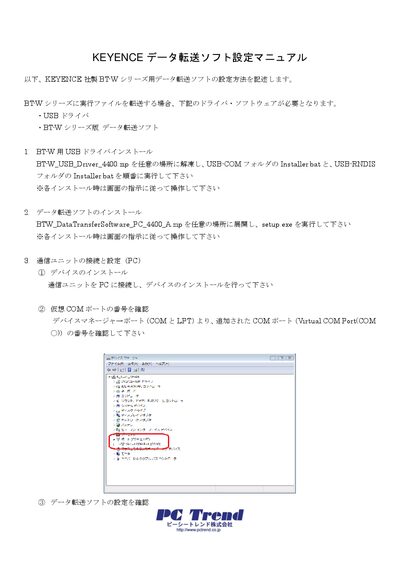
This guide explains how to install the USB driver, data transfer software, and configure the BT‑W series communication unit.
About this manual
The manual provides step‑by‑step instructions for setting up the KEYENCE BT‑W series data transfer software on a PC and preparing the handheld terminal. It covers driver installation, software setup, and communication unit configuration.
Users will learn how to install the USB driver, install the data transfer application, connect and configure the communication unit, start communication on the handheld terminal, transfer files, and install the Poka‑non terminal program. This manual is written in Japanese.
What's inside
- USB Driver Installation
- Data Transfer Software Installation
- Communication Unit Connection and Configuration
- Handheld Terminal Communication Settings
- File Transfer Procedure
- Poka‑non Terminal Program Installation
Specifications
Frequently asked questions
How do I install the USB driver for the BT‑W series?
Extract the BT_W_USB_Driver_4400.zip file, then run the Installer.bat in the USB‑COM folder followed by the Installer.bat in the USB‑RNDIS folder.
How can I transfer files from the PC to the handheld terminal?
Run the data transfer software, click “Manual communication”, select the PC folder and the terminal folder, start the transfer, and click “Disconnect” when finished.