About this manual
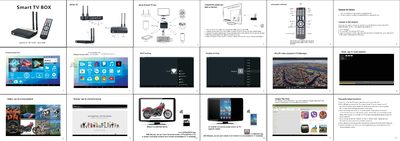
Connect the power adapter to a wall socket and the DC port on the box, then switch on the TV or monitor and set the video output to HDMI. Use the infrared remote or a wired/wireless mouse‑keyboard to navigate the Home interface and launch apps such as Music, Gallery, Browser and Google Play Store.
Set up network connectivity either via Ethernet or Wi‑Fi: open Settings, enable Wi‑Fi, select your router, enter the password and confirm the connection. The Wi‑Fi icon appears in the upper‑right corner. The guide also includes common troubleshooting tips for LED power issues, HDMI display problems, and missing mouse cursor.
What's inside
- Power Connection
- Remote Control Operation
- Network Connection
- Home Screen User Interface
- Supported Video Resolution
- Frequently Asked Questions
Specifications
| Video Output Interface | HDMI |
|---|
| Maximum Video Resolution | 4K×2K |
|---|
| Operating System Version | Android 4.2.2 |
|---|