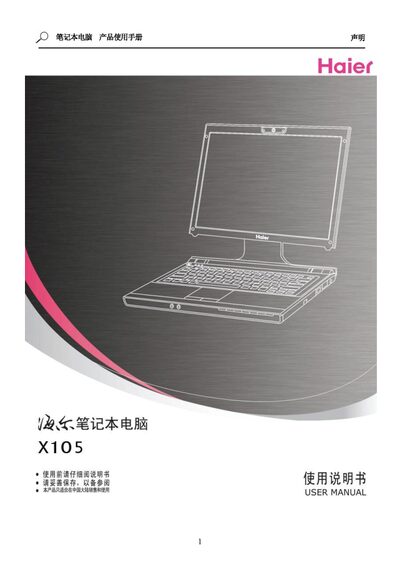
Official user guide for a laptop covering safety, operation, BIOS settings, software installation and troubleshooting.
About this manual
This manual provides safety guidelines, handling instructions, and basic usage tips for the laptop. It explains how to set up the workspace, connect the battery and AC adapter, and operate the keyboard, touchpad, and audio system.
The document also covers power management, BIOS configuration, driver installation, and a troubleshooting section with common issues and their solutions. This manual is written in Chinese.
What's inside
- Introduction
- Getting Started
- Operation Methods
- Power System
- BIOS Settings
- Software Installation
- Troubleshooting
Frequently asked questions
How do I force the laptop to shut down if it becomes unresponsive?
Press and hold the power button for more than four seconds to force a shutdown.
What should I do before removing or replacing the battery?
Turn off the laptop before removing or replacing the battery.
How should I clean the laptop screen and chassis?
Use a soft cloth dampened with water, wrung out, and gently wipe the surface.