
Key facts
- Brand
- Huawei
- Model
- MC323
- Category
- Mobilephone Accessories
- Industry
- Electronics
- Documents
- 2
- Languages
- ZH
- Last added
- 2026-09-28
Start here
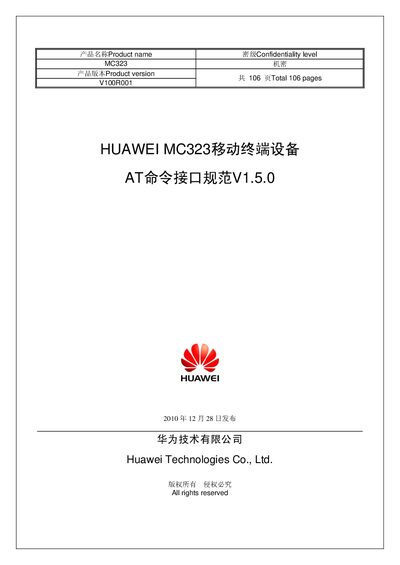
Huawei MC323 Mobile Terminal AT Command Interface Specification
The document provides a complete description of the AT command set used to configure and control the Huawei MC323 mobile terminal. It covers command syntax, parameter definitions, response formats, and example usage for basic configuration, security, serial port control, network services, and call handling.
It also includes detailed tables of final result codes, initial parameter values after a reset, and guidelines for implementing the commands in both hardware and software contexts. The specification is intended for developers and engineers integrating the MC323 into their solutions. This manual is written in Chinese.
Huawei MC323 specifications
| Product version | V100R001 |
|---|---|
| Release date | 2010-12-28 |
| Confidentiality level | Confidential |
Source: Huawei MC323 Mobile Terminal AT Command Interface Specification
All Huawei MC323 documents by type
Instruction set, parameters and examples for configuring or programming the device.
Questions answered in these manuals
How do I reset the MC323 device?
Use the ^RESET command as defined in the specification.
From: Huawei MC323 Mobile Terminal AT Command Interface Specification
Which command queries the device's MEID?
The ^MEID command returns the device's MEID.
From: Huawei MC323 Mobile Terminal AT Command Interface Specification
Which command queries the software version of the MC323 module?
Use the +CGMR command to query the software version.
How can the module be prevented from entering sleep mode on power‑on?
Use the ^CSIC command to disable automatic entry into sleep mode.