
Key facts
Start here
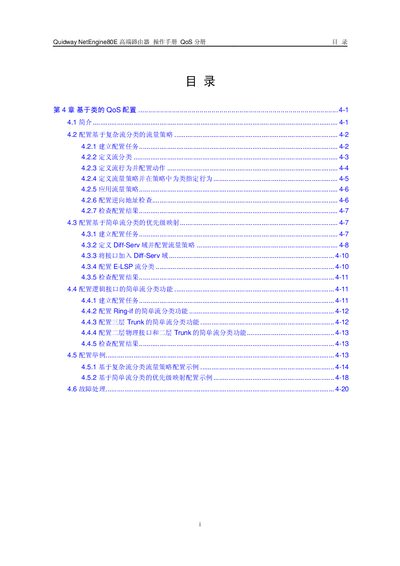
Quidway NetEngine80E Router QoS Configuration Manual
Chapter 4 of the NetEngine80E operation manual details class‑based QoS configuration. It covers the concepts of Diff‑Serv, flow classification, traffic policies, and the steps required to define classifiers, behaviors, and policies.
The guide provides command‑line procedures for creating and applying traffic policies, configuring reverse address checking (URPF), and troubleshooting QoS issues, including strict and loose URPF modes. This manual is written in Chinese.
Huawei Quidway NETENGINE80E specifications
| Input Voltage Range | -72V DC to -38V DC |
|---|---|
| Maximum Input Current | 132A |
| MPU Power Consumption | 100W |
| SFU Power Consumption | 90W |
All Huawei Quidway NETENGINE80E documents by type
Day-to-day operation, settings and troubleshooting. Start here if the product is already set up.
Mounting, wiring and first power-up. Read it before the hardware goes in.
Questions answered in these manuals
What is the maximum input current the NetEngine80E can accept?
It can accept up to 132 A of input current.
How much power does the MPU module consume?
The MPU module consumes 100 W of power.
How can I enable reverse address checking (URPF) on an interface?
In the interface view, configure ip urpf { strict | loose } [ allow‑default ] to enable URPF for all traffic on that interface.