
Key facts
- Brand
- ONDA
- Model
- VX989
- Category
- MP4 Player
- Industry
- Electronics
- Documents
- 2
- Languages
- ZH
- Last added
- 2012-03-12
Start here
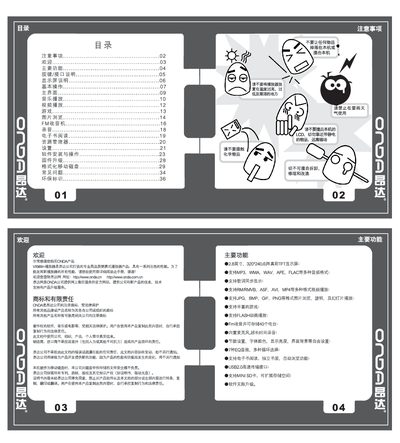
ONDA VX989+ Player User Manual
The VX989+ is a compact portable media player featuring a 2.8‑inch 320×240 TFT color display, support for a wide range of audio, video and image formats, and a high‑capacity lithium battery. It offers USB 2.0 connectivity, Mini SD card expansion and built‑in FM radio, games and e‑book reading.
This manual explains how to use the device, including button functions, interface connections, media playback, settings adjustments, battery charging, firmware upgrades, disk formatting and common troubleshooting steps. All procedures are illustrated with the on‑screen menus and key combinations described in the text. This manual is written in Chinese.
ONDA VX989 specifications
| Display | 2.8‑inch 320×240 TFT color |
|---|---|
| Audio formats | MP3, WMA, WAV, APE, FLAC |
| Video formats | RM, RMVB, ASF, AVI, MP4 |
| Image formats | JPG, BMP, GIF, PNG |
| USB interface | USB 2.0 high‑speed |
| Memory expansion | Mini SD card 128 MB–2 GB |
| Battery | High‑capacity lithium |
Source: ONDA VX989+ Player User Manual
All ONDA VX989 documents by type
Day-to-day operation, settings and troubleshooting. Start here if the product is already set up.
Questions answered in these manuals
How do I turn off the VX989+ player?
Press and hold the Play key for 5 seconds to power off the device.
What is the procedure to upgrade the firmware?
Copy the firmware file to the player’s root directory, then press the MODE key toward “‑” while turning the power switch from OFF to ON; the player will enter the upgrade interface automatically.