
Key facts
- Brand
- BBK(vivo)
- Model
- HWDCD007
- Category
- Telephone
- Industry
- Electronics
- Documents
- 6
- Languages
- ZH · JA
- Last added
- 2012-03-14
Start here
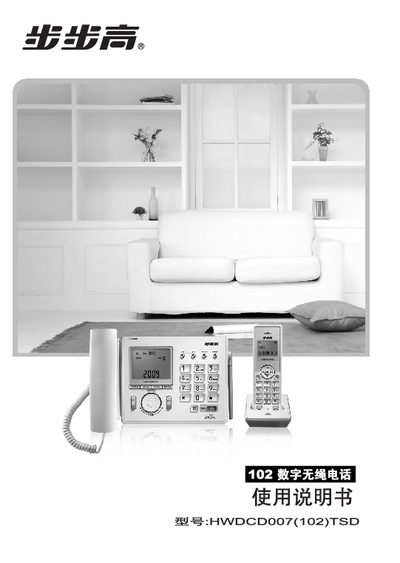
BBK HWDCD007(102)TSD Telephone User Manual
This manual covers the basic functions, safety precautions, and installation steps for the BBK HWDCD007(102)TSD telephone system. It describes the base (座机) and sub (子机) units, their features, and how to connect up to four sub units.
The document also includes technical specifications such as the 2.4 GHz communication frequency, power output, temperature range, and audio levels, as well as regulatory information on hazardous substances in the components. This manual is written in Chinese.
BBK(vivo) HWDCD007 specifications
| Communication Technology | 2.4 GHz digital communication with frequency‑hopping spread spectrum |
|---|---|
| Operating Temperature | -10 °C to 40 °C |
| Relative Humidity | 10 % – 95 % |
All BBK(vivo) HWDCD007 documents by type
Day-to-day operation, settings and troubleshooting. Start here if the product is already set up.
Questions answered in these manuals
How do I register a sub‑handset with the charging base?
In standby, hold the charging base’s 【呼叫/注册】 key for about 4 seconds until the indicator flashes, then hold the sub‑handset’s 【对讲/注册】 key until the screen shows a full line, then release both keys.
How can I tell when the sub‑handset needs charging?
When the battery voltage drops, the screen shows a “[L” symbol and an alarm tone sounds, indicating that the handset should be placed on the charging base.
What should I do if the charging base is already registered with four sub‑phones?
You must deregister all sub‑phones first before you can register a new one.
How do I charge the device?
Connect the external power cable to the charging port of the base unit and plug it into a 220 V AC outlet.
How can I adjust the volume or mute the device?
Press the volume control keys to increase or decrease the sound, and press the mute key to silence the audio.