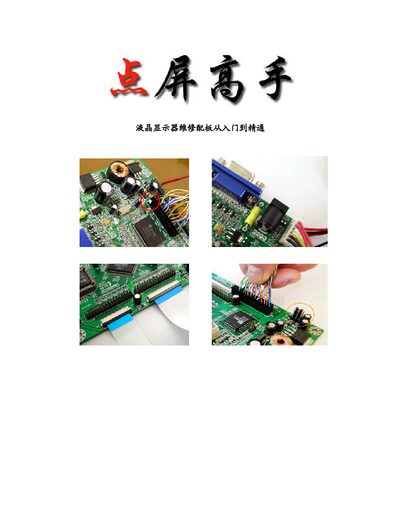
A comprehensive guide covering LCD monitor structure, common faults, and step‑by‑step repair procedures for panels, backlight and driver boards.
About this manual
The manual begins with an overview of LCD monitor construction, describing the panel, polarizer, color filter, backlight, and driver board. It explains the operating principles of passive and active matrix panels and details key specifications such as aperture ratio and backlight voltage.
Subsequent sections focus on troubleshooting and repairing the backlight inverter board, main driver board, and various video input interfaces. The guide also includes practical information on ISP tools, programming procedures, and brand‑specific repair notes, plus a collection of factory‑mode entry methods for many monitor models. This manual is written in Chinese.
What's inside
- LCD Monitor Structure and Theory
- Backlight Inverter Board Theory and Repair
- Main Driver Board Theory and Repair
- Video Input Interface Types
- General Fault Diagnosis
- Point‑Screen Board Basics
- ISP Tools and Programming
- Brand‑Specific Repair Discussions
- Factory Mode Entry Procedures
Specifications
| Video output color temperature options | 6500 K, 9300 K |
|---|
| Backlight control voltage level | 0–5 V (or 5–0 V) |
|---|
| Button specification | 5 or 7 tactile keys |
|---|
Frequently asked questions
How do I replace a backlight lamp?
The backlight lamp is replaced by opening the backlight (inverter) board and swapping the lamp with a compatible unit.
How can I enter factory mode on a monitor?
Factory mode is accessed by holding the MENU key while powering on the monitor, or by holding MENU together with AUTO/OK keys depending on the model.
What is the purpose of the aperture ratio in an LCD panel?
The aperture ratio indicates the proportion of the panel area that lets light through, directly affecting the display brightness.