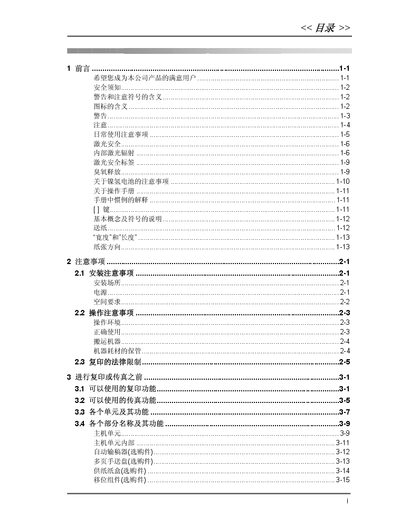
Comprehensive guide covering safety, installation, operation, advanced copying, fax functions, and maintenance for a copy/fax machine.
About this manual
This manual provides detailed instructions on safe usage, installation requirements, and basic operation of the copy/fax machine, including paper handling, control panel functions, and default settings. It also covers advanced copying features such as scaling, density control, and multi‑page handling.
Additional sections explain fax transmission and reception, programming of speed‑dial and group‑dial numbers, PC fax/scan setup, and troubleshooting. Appendices list paper size tables, terminology, and specifications for optional accessories. This manual is written in Chinese.
What's inside
- 前言
- 安全须知
- 安装注意事项
- 基本复印操作
- 高级复印操作
- 传真功能
- PC传真/扫描安装
- 附录
Specifications
| Paper tray capacity | 250 sheets |
|---|
| Manual feed tray capacity | 50 sheets (regular) / 20 sheets (special) |
|---|
Frequently asked questions
How many sheets can the main paper tray hold?
The main paper tray can hold up to 250 sheets of paper.
What does the AUTO scaling setting do?
The AUTO scaling setting automatically selects the appropriate scaling ratio for copying.