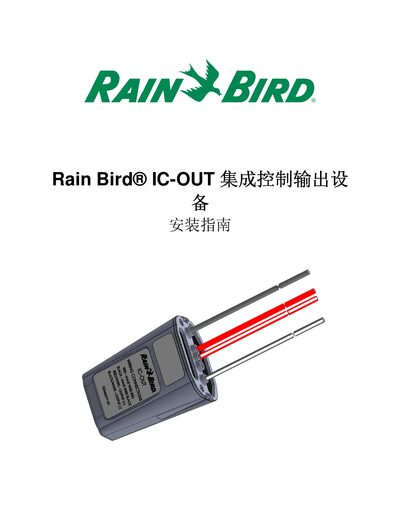
Installation guide for the Rain Bird IC-OUT integrated control output device, covering setup steps, wiring, safety, and specifications.
About this manual
This guide provides detailed instructions for installing the Rain Bird IC-OUT integrated control output device. It includes important safety notices, required tools, and compliance with applicable electrical standards.
The document walks through the installation checklist, connection of the IC-OUT output, field wiring to the IC System, and configuration of Rain Bird central control software. It also lists the device specifications such as operating temperature, humidity limits, and field wiring voltage. This manual is written in Chinese.
What's inside
- Important Notice
- Applicable Standards
- Installation Checklist
- Latch Relay Basics
- Compatibility Verification
- Installation Location Selection
- Required Tools and Materials
- Installation Step 1: Connect IC-OUT Output
- Installation Step 2: Connect IC System Wiring
- Installation Step 3: Complete On-site Installation
Specifications
| Working temperature | 14°F to 125°F (-10°C to 51°C) |
|---|
| Storage temperature | -40°F to 150°F (-40°C to 65.5°C) |
|---|
| Working humidity | 40°F to 108°F (4.4°C to 42.2°C) max 75% |
|---|
| Storage humidity | 40°F to 108°F (4.4°C to 42.2°C) max 75% |
|---|
| Field wiring voltage | 26‑28 VAC (max) |
|---|
Frequently asked questions
What Rain Bird software version is required for compatibility with the IC-OUT device?
The central control software (Cirrus, Nimbus II, Stratus II or Stratus LT) must be version 8.1.0 or higher; older versions may cause unexpected operation.