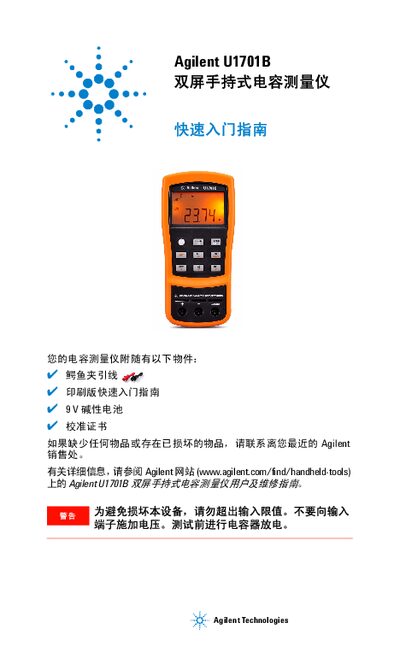
This quick start guide explains how to set up, operate, and safely use the Agilent U1701B dual‑screen handheld capacitance meter.
About this manual
The guide introduces the Agilent U1701B handheld capacitance meter, lists the supplied accessories, and provides safety warnings for proper use. It also points users to the full user and service manual on Agilent’s website for more detailed information.
Key functions covered include capacitance measurement steps, entering and using the setting mode, various measurement modes (auto/manual range, tolerance, relative, static record), and how the device signals status and errors through LEDs and beeps. This manual is written in Chinese.
What's inside
- Quick Start Guide
- Capacitance Measurement
- Features and Functions
- Entering Setting Mode
- Operation
- Safety Information
Specifications
| Battery | 9 V alkaline |
|---|
| Range selection | Auto and manual modes |
|---|
Frequently asked questions
How do I remove residual capacitance before measuring?
Press the designated button to clear the instrument and leads of residual capacitance before connecting the capacitor.
How can I enter the setting mode?
Hold the power button until you hear a beep; the instrument will then switch to setting mode.
How does the tolerance mode indicate a measurement within the selected tolerance?
If the measured value is within tolerance, the device emits a single beep; if it exceeds tolerance, three beeps are sounded.