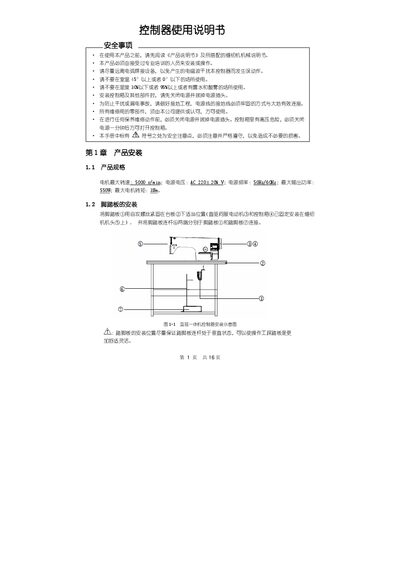
This manual provides installation steps, operation panel instructions, and system parameter settings for the controller.
About this manual
The manual begins with product installation instructions, including motor specifications, power requirements, and foot‑pedal mounting. It also covers safety precautions such as proper grounding and avoiding electromagnetic interference.
Subsequent sections describe the operation panel layout, LCD display functions, key functions, and how to configure sewing modes, speed, and other parameters. Technical and technician modes, monitoring, and error handling procedures are also detailed. This manual is written in Chinese.
What's inside
- Product Installation
- Safety Precautions
- Operation Panel Overview
- Key Functions
- Sewing Mode Settings
- Technical/Technician Mode
- Monitoring Mode
- Error Alarm Mode
- Post‑Installation Debugging
Specifications
| Maximum motor speed | 5000 r/min |
|---|
| Power voltage | AC 220±20% V |
|---|
| Power frequency | 50Hz/60Hz |
|---|
| Maximum output power | 550W |
|---|
| Maximum motor torque | 3Nm |
|---|
Frequently asked questions
What is the maximum motor speed of the controller?
The motor can run up to 5000 r/min.
What safety steps must be taken before powering the controller?
Ensure the power input is properly grounded with the yellow‑green ground wire connected to a safe earth point.
How can I reset the controller to factory defaults?
Press the two specified keys together, then follow the steps to input the recovery code and hold the key for more than 3 seconds.