
This document describes the features and instructions for using the LC46TS88EN and LC55TS88EN televisions.
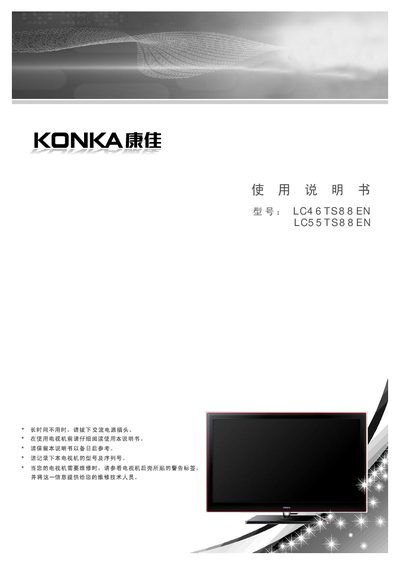
This manual covers the installation, connection, and basic operation of the LG LC46TS88EN and LC55TS88EN liquid‑crystal televisions. It describes the TV’s features, menu functions, network and USB capabilities, and provides safety and environmental usage guidelines.
Detailed sections explain how to connect antennas, HDMI, VGA, and other AV sources, how to mount the TV on a wall or a stand, and how to resolve common picture or sound issues. The troubleshooting chapter lists typical fault symptoms such as snow, ghosting, and interference, with recommended corrective actions. This manual is written in Chinese.
| Resolution | 1920 × 1080 |
|---|---|
| Antenna input impedance | 75 Ω (unbalanced) |
| Remote control battery | 2 × AAA (3 V total) |
Connect a 75 Ω coaxial cable directly to the TV’s antenna socket; if using a 300 Ω parallel line, first attach a 300/75 transformer before the socket.
Snow indicates a weak signal; adjust the antenna direction or add an antenna amplifier to improve reception.
Secure the four step‑type screws into the TV’s rear mounting holes, attach the wall‑mount bracket with the provided bolts, and then hang the TV on the bracket.