
This document describes the features and characteristics of HP laptops.
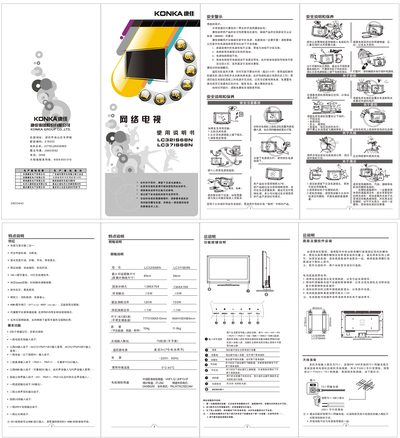
This manual provides instructions for connecting external devices like DVD players and computers via HDMI, VGA, or component inputs. It details remote control functions, system settings, and troubleshooting steps for common issues such as no signal or image distortion. Environmental usage guidelines are also included. This manual is written in Chinese.
Connect the DVD player using the AV or HDMI output ports as described in the manual.
Check if the power is connected properly, the antenna is correctly connected, and switch to a channel with a signal.
Enter the system settings > image > image parameters, set the image mode to 'custom', and adjust brightness and sharpness.