
This document introduces the features and functions of a new generation of high-definition LCD TV from Konka Group, including a 42-inch LCD display, TV/display combination, no X-ray radiation, soft screen, ultra-thin and lightweight design, and wall-mountable.
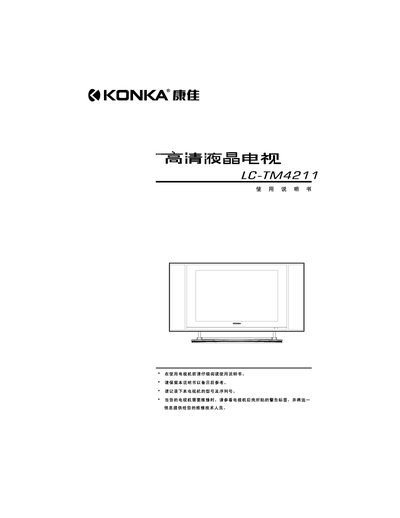
This manual covers safety precautions for the Konka LC‑TM4211 high‑definition LCD TV, including warnings about high voltage, water exposure, ventilation and proper handling. It also lists the required operating environment and steps to avoid fire or electric shock.
The guide details the TV’s features, input connections, remote‑control functions, basic power‑on/off procedures, picture and sound settings, and a troubleshooting section that helps resolve common issues such as no power, no picture, or audio problems. This manual is written in Chinese.
| Display size | 42 inches |
|---|---|
| Resolution | 1366 × 768 |
| Power consumption (max) | 270 W |
| Dimensions (without stand) | 1246 × 102 × 678 mm |
| Weight (without stand) | 31 kg |
| Power input voltage | 100‑240 V, 50 Hz |
Press the numeric keys for a one‑digit channel, or press the “-/--” key first for two‑ or three‑digit channels before entering the numbers.
Turn off the TV and unplug the power cord, then use a soft damp cloth; do not use organic solvents.
Immediately unplug the power cord and contact the dealer for service.