
This document introduces the features and characteristics of a certain brand and model product.
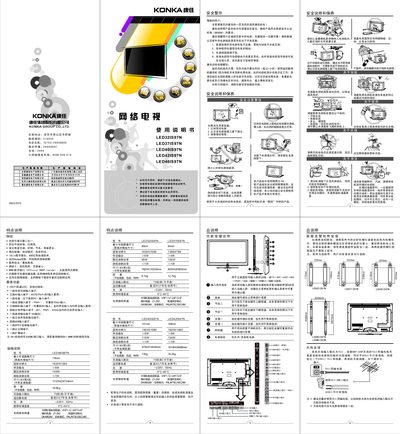
This manual begins with safety warnings, emphasizing proper grounding, avoiding metal objects near the screen, and unplugging the TV when not in use. It also advises against leaving the TV in standby for long periods and provides instructions for handling power surges and lightning.
The guide then covers installation and connection details, including HDMI, AV, component, SPDIF, and Ethernet ports, as well as remote‑control key functions, menu navigation, system and network settings, multimedia playback, and troubleshooting procedures for common picture and sound issues. This manual is written in Chinese.
| Resolution | 1920 × 1080 |
|---|---|
| Rated power consumption | 95 W (typ) / 105 W (max) |
| Standby power consumption | 1 W |
| Input voltage | 220 V ~ 50 Hz |
| SPDIF audio output | Digital audio interface |
| Audio output power | ≈5 W |
Unplug the TV from the AC outlet; you can also press the power switch to turn the unit off completely.
Use the Volume + and Volume – keys on the remote to increase or decrease the sound level.