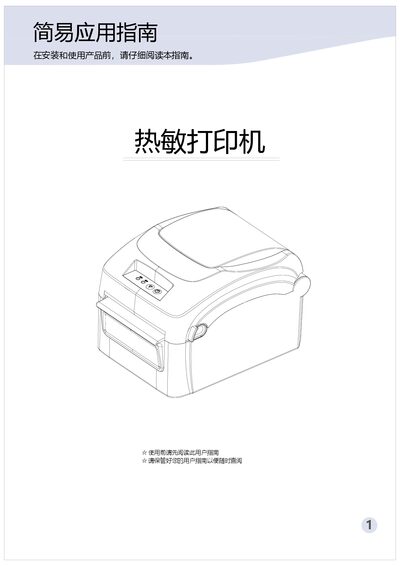
This user guide provides setup, operation, specifications, and troubleshooting for a thermal printer.
About this manual
The guide introduces the thermal printer, its accessories, and how to unpack and check the device. It describes the appearance, components, and key features such as high‑speed printing and modular design.
Detailed sections cover paper installation, operating procedures, LED indicator meanings, technical specifications, and a comprehensive troubleshooting guide. A warranty card and service information are also included. This manual is written in Chinese.
What's inside
- Introduction
- Unboxing Check
- Appearance and Components
- Technical Specifications
- Key Features
- Paper Installation
- Operation Instructions
- LED Indicator Explanation
- Troubleshooting
- Warranty Card
Specifications
| Printing method | Thermal |
|---|
| Resolution | 200 DPI |
|---|
| Maximum print speed | 2300 mm/s |
|---|
| Normal print speed | 127 mm/s |
|---|
| Media width range | 40 mm – 118 mm |
|---|
| Paper roll outer diameter (max) | 120 mm |
|---|
| Power input | 200‑240 V, 50/60 Hz, 2.0 A |
|---|
| Supported paper types | Thermal roll paper, adhesive label paper, etc. |
|---|
Frequently asked questions
How can I perform a self‑test of the printer?
With the printer powered off, ensure paper is loaded, press and hold the function key, then turn on the power; the printer will print a self‑test page.