
Key facts
- Manuals
- 1
- Categories
- 2
- Languages
- ZH
- Last added
- 2011-11-09
Featured 靖江量具 manuals
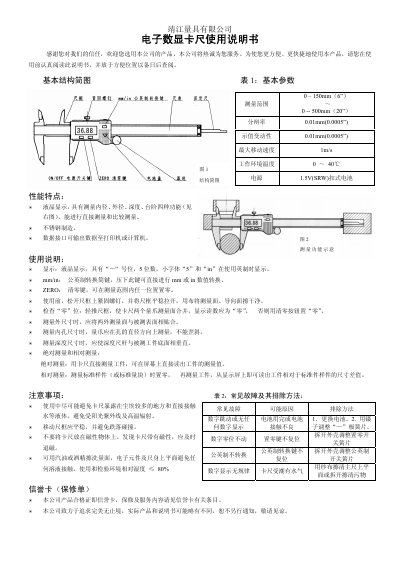
Jingjiang Digital Caliper 0–150mm/0–500mm User Manual
The Jingjiang digital caliper provides precise measurement of external, internal, depth, and step dimensions with a clear LCD display. This user manual guides you through setup, operation, and care to ensure accurate results.
Key features include a 0.01 mm resolution, metric/imperial conversion, zeroing function, and a data interface for output to a printer or computer. Follow the instructions for proper handling, zeroing, and troubleshooting to maintain performance. This manual is written in Chinese.
Covers: Basic Structure Diagram · Basic Parameters · Performance Features · Operating Instructions · Precautions · Troubleshooting
Latest 靖江量具 manuals
Jingjiang Digital Caliper 0–150mm/0–500mm User Manual
User Manual 1 pages · 176 KB · ZHThis manual explains how to operate, maintain, and troubleshoot the Jingjiang digital caliper with measurement ranges of 0–150 mm and 0–500 mm.
Which document do I need?
User Manual
Day-to-day operation, settings and troubleshooting. Start here if the product is already set up.
Questions answered in 靖江量具 manuals
How do I zero the digital caliper?
Press the ZERO button to set zero at any position within the measurement range.
How can I switch between metric and imperial units?
Press the mm/in conversion key to toggle between millimeter and inch values.