
Key facts
- Manuals
- 1
- Categories
- 1
- Languages
- ZH
- Last added
- 2012-03-12
Featured 笔记本诊断卡 manuals
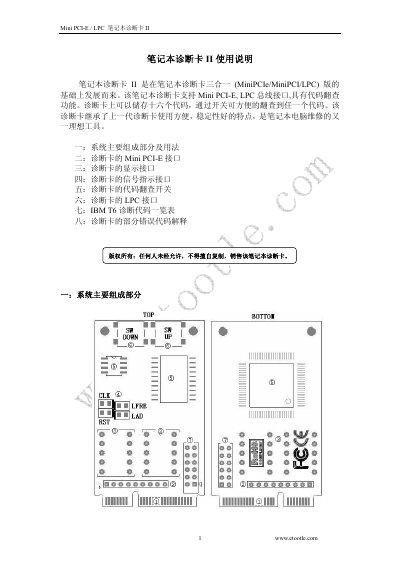
Etootle Laptop Diagnosis Card II User Manual
The Laptop Diagnosis Card II is a diagnostic tool that plugs into a notebook's Mini PCI‑E or LPC bus. It stores up to sixteen error codes and shows them on two seven‑segment displays with four indicator LEDs for clock, reset, bus and data signals. The manual describes the card's main components, connection methods, and how to use the code‑lookup switches.
Detailed sections cover the Mini PCI‑E pinout, the LPC pin definitions, wiring to various motherboard BIOS pins, and a table of IBM T6 diagnostic codes with explanations. Safety notes warn against connecting the 3.3 V pins to higher voltages. This manual is written in Chinese.
Covers: System main components and usage · Mini PCI‑E interface · Display interface · Signal indicator interface · Code lookup switches · LPC interface wiring
Latest 笔记本诊断卡 manuals
Etootle Laptop Diagnosis Card II User Manual
User Manual 4 pages · 296 KB · ZHThe Etootle Laptop Diagnosis Card II manual explains its Mini PCI‑E/LPC interfaces, display, switches and code lookup for notebook repair.
Which document do I need?
User Manual
Day-to-day operation, settings and troubleshooting. Start here if the product is already set up.
Questions answered in 笔记本诊断卡 manuals
How many diagnostic codes can the card store?
The card can store sixteen diagnostic codes that can be browsed with the lookup switches.
Which pins are used for the Mini PCI‑E connection?
Pins 8, 10, 12, 14, 16, 17, 19 are used for the Mini PCI‑E interface.