
Key facts
- Manuals
- 1
- Categories
- 1
- Languages
- ZH
- Last added
- 2012-03-12
Featured 无线 manuals
Philips DE3591 Wireless PowerCode Digital Infrared Detector Installation Guide
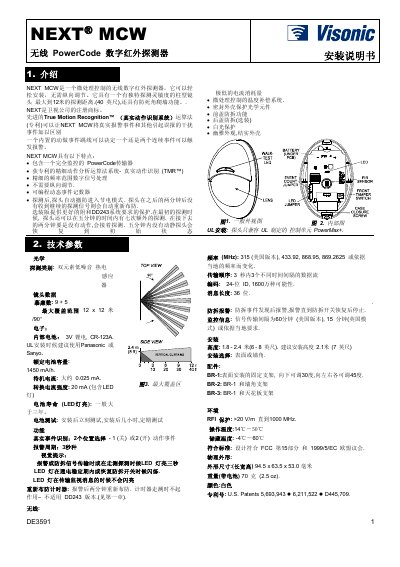
The DE3591 NEXT MCW is a micro‑processor‑controlled wireless digital infrared detector with a column‑type lens offering up to 12 m detection range and anti‑dead‑spot wall‑climbing capability. It features a PowerCode transmitter, True Motion Recognition™ algorithm, programmable event counters, and an automatic power‑saving mode after detection.
The guide details mounting heights of 1.8‑2.4 m, surface or corner installation options, battery replacement, tamper‑switch reset procedures, and weekly walk‑test instructions. It also lists technical parameters, wireless frequency options, and compliance with FCC and EU regulations. This manual is written in Chinese.
Covers: Introduction · Technical Specifications · Installation Guide · General Installation Guidelines · Installation Procedure · Event Handling
Latest 无线 manuals
Philips DE3591 Wireless PowerCode Digital Infrared Detector Installation Guide
Installation Guide 3 pages · 334 KB · ZHInstallation guide for the Philips DE3591 wireless PowerCode digital infrared detector, covering setup, mounting, and configuration.
Which document do I need?
Installation Guide
Mounting, wiring and first power-up. Read it before the hardware goes in.
Questions answered in 无线 manuals
How do you reset the detector?
With the battery installed, press both tamper switches simultaneously; the front LED will flash for about two minutes until the detector stabilizes.
From: Philips DE3591 Wireless PowerCode Digital Infrared Detector Installation Guide
What is the recommended installation height?
Install the detector at a height of 1.8 – 2.4 m (6 – 8 ft), with a typical recommendation of 2.1 m (7 ft).
From: Philips DE3591 Wireless PowerCode Digital Infrared Detector Installation Guide