
Key facts
- Manuals
- 1
- Categories
- 1
- Languages
- ZH
- Last added
- 2012-03-12
Featured 内存维修卡 manuals
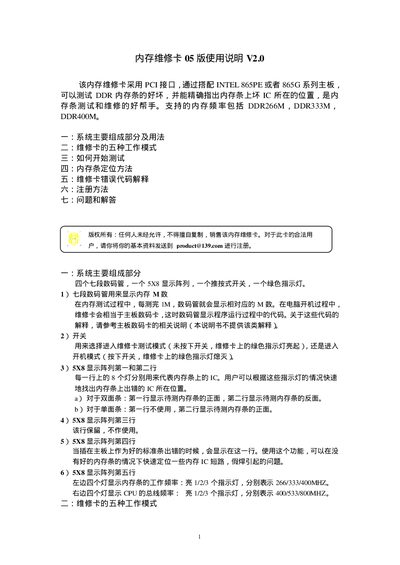
Memory Repair Card 05 User Manual
The manual describes the hardware components of the Memory Repair Card, including four seven‑segment displays, a 5×8 LED array, a push‑button switch and a green indicator light. It also lists the five operating modes such as fast/slow memory test, PC‑boot test and automatic shutdown after testing.
Instructions cover preparing a good reference memory module, connecting the card to an Intel 865PE/865G motherboard, running the test sequence, interpreting the LED and display codes, locating defective ICs, and registering the device for support. An error‑code section explains the meaning of codes like 00E0, 00E6 and 00EE, and a FAQ answers common usage questions. This manual is written in Chinese.
Covers: System Main Components · Five Working Modes · How to Start Testing · Memory IC Positioning Method · Error Code Explanation · Registration Method
Latest 内存维修卡 manuals
Memory Repair Card 05 User Manual
User Manual 4 pages · 30 KB · ZHThe Memory Repair Card 05 User Manual explains how to set up, test, and locate faulty DDR memory modules using the PCI‑interface card.
Which document do I need?
User Manual
Day-to-day operation, settings and troubleshooting. Start here if the product is already set up.
Questions answered in 内存维修卡 manuals
Can the repair card be used on all Intel 865PE or 865G series motherboards?
In principle it works on all Intel 865PE or 865G series boards, but some manufacturers add special functions that may affect compatibility.
Why does the card show "00E0" when a memory module is inserted?
The code 00E0 means the motherboard has no memory installed or the EP data of the installed module is unavailable or incorrect.