
Key facts
- Manuals
- 1
- Categories
- 1
- Languages
- ZH
- Last added
- 2012-03-20
Featured 以太网交换机 manuals
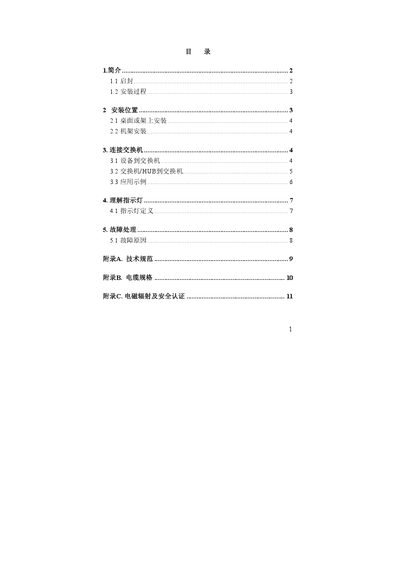
Network Switch User Manual
The guide describes how to install the switch on a flat surface or in a rack, connect power and network cables, and configure the device. Installation steps include positioning the unit, securing it with brackets and screws, and selecting the appropriate cable type.
It also explains the meaning of the LED indicators, supported speeds and duplex modes, maximum cable length, and common fault causes with troubleshooting tips. This manual is written in Chinese.
Covers: Introduction · Installation · Wiring Connections · Indicator Lights · Troubleshooting · Appendices
Latest 以太网交换机 manuals
Network Switch User Manual
User Manual 12 pages · 451 KB · ZHThis manual provides installation, wiring, indicator light explanations, and troubleshooting for a 16‑port 10/100 Mbps Ethernet switch.
Which document do I need?
User Manual
Day-to-day operation, settings and troubleshooting. Start here if the product is already set up.
Questions answered in 以太网交换机 manuals
How can I tell if a port has a link or is operating at full‑duplex?
Each port has an LED indicator that shows link status and whether the connection is full‑duplex (FDX) or half‑duplex.