
Key facts
- Manuals
- 2
- Categories
- 1
- Languages
- ZH
- Last added
- 2012-03-13
Featured WT manuals
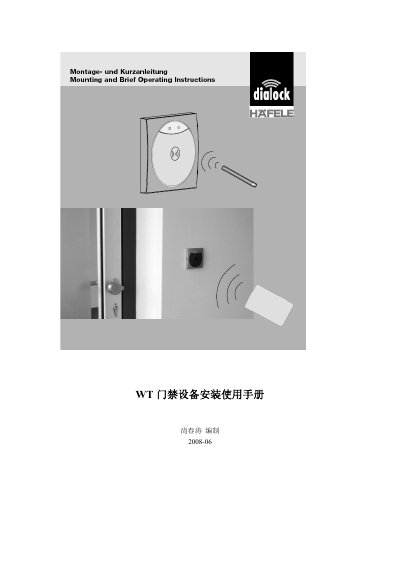
HaiFule WT Access Control Device Installation Manual
This manual provides step‑by‑step instructions for installing the WT access control device, including mounting the reader and controller, wiring diagrams, and power requirements. It also explains the initial power‑on procedure and how to program and erase access cards.
Additional sections cover system features, initialization methods, common troubleshooting questions, and detailed technical specifications such as voltage, current, relay ratings, and environmental limits. This manual is written in Chinese.
Covers: Application Scope · Performance Features · Installation Instructions · First Power‑On Use · Usage Instructions · Card Swipe Opening
WT WTV-S1 Module User Manual
The WTV‑S1 is a voice playback module that supports multiple audio formats, includes a built‑in power amplifier capable of driving a 0.5 W speaker, and operates from a 2.5‑3.5 V supply. It offers 16‑bit DAC audio quality, SPI‑Flash storage from 1 M‑bit to 32 M‑bit, and various control interfaces such as button, parallel, one‑wire and three‑wire serial modes.
The manual describes the pin configuration, electrical parameters, control mode operation, software workflow for compiling and downloading voice data via USB or UART232, and typical application circuits. Appendices list optional chord modules and example MIDI content. This manual is written in Chinese.
Covers: Overview · Features · Pin Configuration · Electrical Parameters · Control Modes · Button Control Mode
Latest WT manuals
HaiFule WT Access Control Device Installation Manual
Installation Guide 13 pages · 260 KB · ZHInstallation and usage guide for the HaiFule WT access control system, covering wiring, card programming, and troubleshooting.
WT WTV-S1 Module User Manual
User Manual 14 pages · 786 KB · ZHThe WT WTV-S1 Module User Manual provides specifications, control modes, wiring, and software instructions for this voice playback module.
Which document do I need?
Installation Guide
Mounting, wiring and first power-up. Read it before the hardware goes in.
User Manual
Day-to-day operation, settings and troubleshooting. Start here if the product is already set up.
Questions answered in WT manuals
What is the operating voltage range of the WTV‑S1 module?
The module operates from a DC supply of 2.5 V to 3.5 V.
How can the voice data be updated on the module?
Voice data can be updated multiple times using either the USB online download mode or the UART232 offline download mode.