
Key facts
- Manuals
- 1
- Categories
- 1
- Languages
- ZH
- Last added
- 2012-03-09
Featured WIN58PG manuals
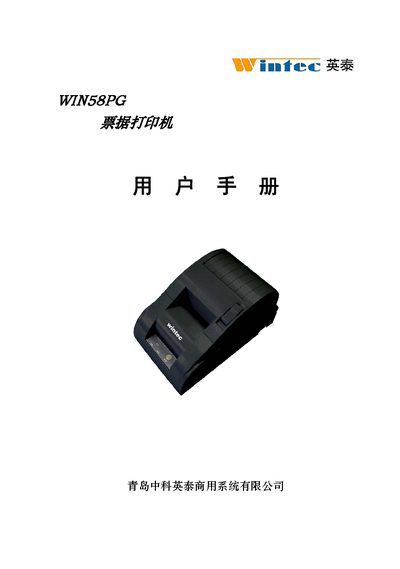
Yingtai WIN58PG Printer User Manual
This manual covers safety information, required paper specifications, and environmental requirements for the WIN58PG thermal receipt printer. It details the printer’s dimensions, power needs, and supported interfaces such as RS‑232 serial, parallel, and cash‑drawer connections.
Installation instructions describe how to load the thermal paper roll, close the cover, and connect the appropriate interface. Operating procedures include using the control panel, performing self‑test prints, and issuing ESC/POS commands for text, graphics, and barcodes. A troubleshooting section lists common error indicators and their remedies. This manual is written in Chinese.
Covers: Overview · Technical Specifications · Installation · Operation · Interface Connections · Cleaning and Maintenance
Latest WIN58PG manuals
Yingtai WIN58PG Printer User Manual
User Manual 26 pages · 517 KB · ZHThe Yingtai WIN58PG printer user manual provides safety guidelines, installation steps, operation instructions, and technical specifications.
Which document do I need?
User Manual
Day-to-day operation, settings and troubleshooting. Start here if the product is already set up.
Questions answered in WIN58PG manuals
How should I clear a paper jam safely?
Turn off the printer, wait about 10 seconds for the print head to cool, then remove the jammed paper.
How do I perform a self‑test print?
Load paper, press and hold the feed button while powering on, release the button within 5 seconds, and the printer will enter self‑test mode and print a checklist.