
Key facts
- Manuals
- 1
- Categories
- 1
- Languages
- ZH
- Last added
- 2011-10-31
Featured S-3000N manuals
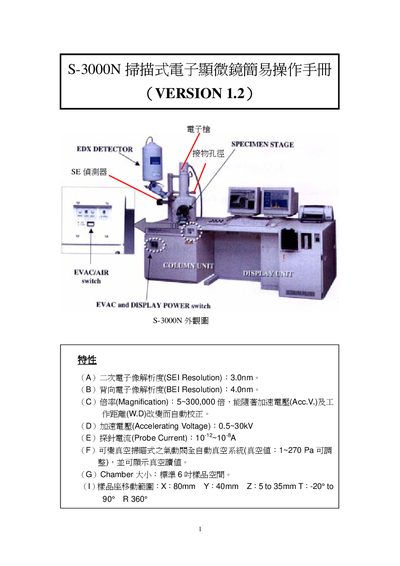
S-3000N Scanning Electron Microscope Simple Manual
This manual provides step‑by‑step instructions for operating the S‑3000N scanning electron microscope. It describes the functions of the control panel, how to prepare and load samples, and how to adjust imaging parameters such as magnification, focus, and contrast.
The guide also includes procedures for starting up the vacuum system, aligning the electron beam, and safely shutting down the instrument. Technical specifications such as resolution, accelerating voltage range, and chamber dimensions are listed for reference. This manual is written in Chinese.
Covers: Operation Panel Functions · Sample Handling · Image Inspection Settings · Vacuum System Operation · Startup Procedure · Shutdown Procedure
Latest S-3000N manuals
S-3000N Scanning Electron Microscope Simple Manual
User Manual 21 pages · 698 KB · ZHSimple operation manual for the S-3000N scanning electron microscope covering startup, shutdown, and basic settings.
Which document do I need?
User Manual
Day-to-day operation, settings and troubleshooting. Start here if the product is already set up.
Questions answered in S-3000N manuals
How can I adjust the magnification?
Use the magnification knob on the control panel to select the desired magnification range from 5× up to 300,000×.