
Key facts
- Manuals
- 2
- Languages
- EN
- Last added
- 2026-09-28
Featured Manhattan manuals
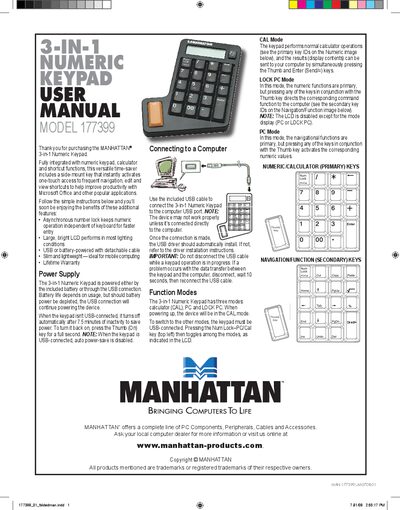
Manhattan 177399 3-in-1 Numeric Keypad User Manual
The Manhattan 3-in-1 Numeric Keypad combines a full‑size numeric keypad, a calculator, and shortcut functions in a slim, lightweight design. It can be powered by a CR2032 battery or via USB, and features a 12‑digit LCD that remains visible in most lighting conditions.
This manual explains how to connect the keypad to a computer, switch between CAL, PC, and LOCK PC modes, perform calculations, and maintain the device. Safety precautions, cleaning instructions, and detailed technical specifications are also included.
Covers: Power Supply · Connecting to a Computer · Function Modes · Calculation Examples · Care/Maintenance · Safety Precautions
Latest Manhattan manuals
Manhattan 177399 3-in-1 Numeric Keypad User Manual
User Manual 2 pages · 1.8 MB · ENThe Manhattan 177399 3-in-1 Numeric Keypad User Manual provides setup, operation modes, safety guidelines, and specifications for the device.
MANHATTAN 100854 Manual
Power Adapter provides power connection and supply for the portable device
Which document do I need?
User Manual
Day-to-day operation, settings and troubleshooting. Start here if the product is already set up.
Questions answered in Manhattan manuals
How do I switch between calculator, PC, and lock PC modes?
Press the Num Lock–PC/Cal key (top left) to toggle among CAL, PC, and LOCK PC modes; the keypad must be USB‑connected for mode changes.
What should I do if the LCD display malfunctions?
Press the C/CE key to reset; if that does not work, use a pin to press the recessed Reset button on the rear panel.