
Key facts
- Manuals
- 2
- Languages
- ZH
- Last added
- 2026-10-03
Featured Giant manuals
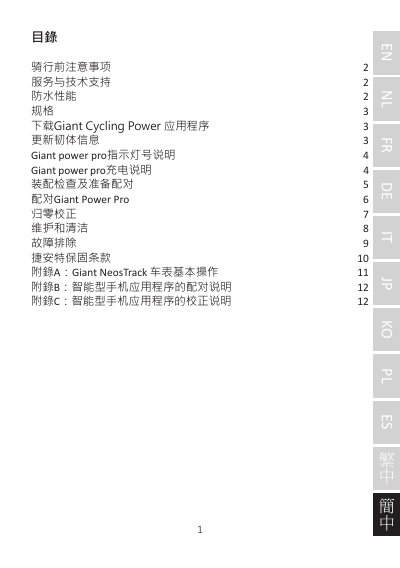
Giant Power Pro Power Meter User Manual
This manual covers everything you need to know before riding with the Giant Power Pro power meter, including safety precautions, waterproof rating, and technical specifications. It also explains how to download the Giant Cycling Power app and update firmware.
Detailed sections guide you through charging the device, preparing the crank for pairing, pairing with a bike computer or smartphone, performing zero calibration, cleaning, troubleshooting common issues, and understanding Giant's two‑year warranty. This manual is written in Chinese.
Covers: 骑行前注意事项 · 防水性能 · 规格 · 充电说明 · 配对Giant Power Pro · 归零校正
Latest Giant manuals
Giant Power Pro Power Meter User Manual
User Manual 12 pages · 1.7 MB · ZHThe Giant Power Pro user manual provides safety guidelines, specifications, charging, pairing, calibration, maintenance and warranty information for the…
Giant Revive DX Computer User Guide
This document is a user guide for the Giant Revive DX computer. The guide provides physical descriptions and operating instructions for the computer, including the mode button, set button, and battery change. It details the steps for removing and installing the computer on the handlebar, as well as replacing the battery and retaining previous data. The computer features a low battery indicator, which displays a symbol when the battery is nearly exhausted. The guide also includes instructions for initiating the computer and clearing all data.
Which document do I need?
User Manual
Day-to-day operation, settings and troubleshooting. Start here if the product is already set up.
Questions answered in Giant manuals
How do I charge the Giant Power Pro?
Use the supplied charging cable, connect it to the power meter, and charge for about 2 hours. Recommended input is 5 V ±10% at 1‑2 A.
How can I pair the Giant Power Pro with my bike computer?
Fully charge the unit, wake it by rotating the crank 2‑3 turns, place the bike on a level surface, then follow the bike computer’s pairing menu to scan and select the Giant Power Pro.