
Key facts
- Manuals
- 4
- Languages
- EN · JA · ZH
- Last added
- 2026-09-28
Featured DV manuals
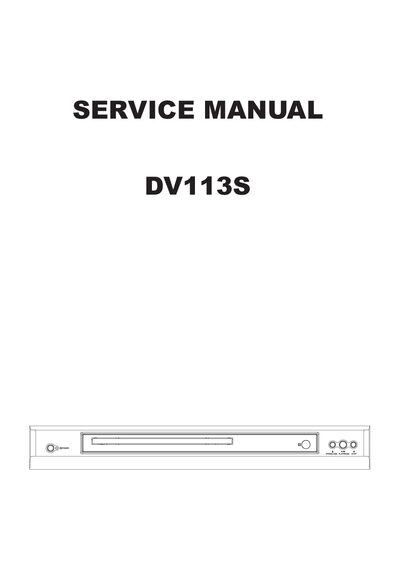
DV DV113S Service Manual
The DV113S Service Manual provides detailed safety precautions, electro‑static discharge (ESD) prevention methods, and step‑by‑step instructions for assembling and disassembling the mechanism unit. It also includes electrical confirmation procedures, video output verification, and a complete parts list.
Additional sections cover the MPEG board waveform check, IC block diagram, schematic and PCB wiring diagrams, control button locations, and miscellaneous handling notes for the optical pickup and laser diode.
Covers: Safety Precautions · Electrostatic Discharge Prevention · Assembling and Disassembling the Mechanism Unit · Electrical Confirmation · Video Output Confirmation · MPEG Board Check Waveform
DV Camera User Manual
This manual provides instructions for setting up and using the DV camera, including safety precautions, installation steps, and detailed operating procedures. It also includes troubleshooting tips and warranty information.
Key features covered are the 3‑inch color LCD display, HDMI and USB connectivity, PictBridge support, and the camera's 14‑megapixel 1/2.3‑inch CMOS sensor with 5× optical and 10× digital zoom. The guide explains how to charge the battery, configure the device on Windows or Mac computers, and use the camera for photo and video playback. This manual is written in Japanese.
Covers: Safety · Installation · Operation · LCD Display · PictBridge · HDMI Connection
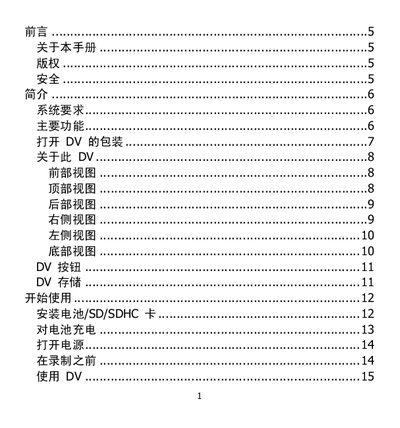
DV Camcorder User Manual
This manual explains how to set up the DV camcorder, including battery installation, SD/SDHC card insertion, and connecting to a TV via HDMI. It also describes the layout of the LCD screen, button functions, and menu options for shooting photos and videos.
Additional sections cover system requirements, main features such as 10‑megapixel resolution and optical zoom, and detailed troubleshooting steps for common issues like power problems, LCD errors, and storage card warnings. This manual is written in Chinese.
Covers: Introduction · System Requirements · Main Features · Packaging Contents · Button Overview · LCD Display Layout
Latest DV manuals
DV DV113S Service Manual
Service Manual 38 pages · 6.3 MB · ENService manual for the DV113S device with safety, ESD, assembly, testing and parts information.
DV 5900 user manual
This document is a user manual for 5900
DV Camera User Manual
User Manual 56 pages · 1.4 MB · JAUser manual for the DV camera, covering setup, operation, safety, and troubleshooting.
DV Camcorder User Manual
User Manual 55 pages · 3.7 MB · ZHThe DV camcorder user manual provides setup, operation, and troubleshooting instructions for the device.
Which document do I need?
Service Manual
Disassembly, diagnostics and part numbers, for repair.
User Manual
Day-to-day operation, settings and troubleshooting. Start here if the product is already set up.
Questions answered in DV manuals
How do I know when the battery is charging?
When the charger is connected, the battery LED indicator lights orange to show that charging is in progress.
From: DV Camera User Manual
How can I connect the DV to a TV?
Use the HDMI port to output video to a TV, or connect via USB for photo playback on compatible displays.
From: DV Camera User Manual
Why won't the DV camcorder turn on?
The battery may be empty; charge the battery or replace it.
From: DV Camcorder User Manual
Why does the LCD screen go blank?
Press any button other than the power button to turn the LCD back on.
From: DV Camcorder User Manual