
Key facts
- Manuals
- 2
- Languages
- ZH · EN
- Last added
- 2026-09-30
Featured Adtech manuals
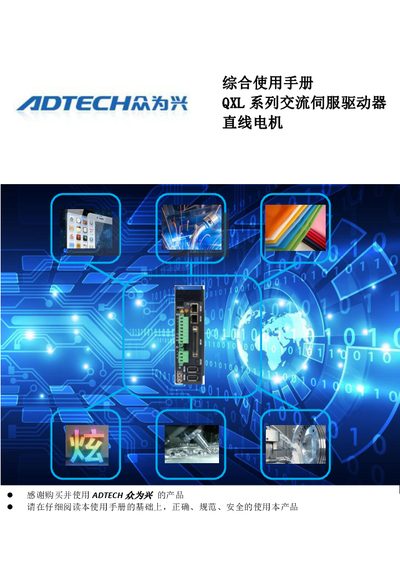
ADTECH QXL Series AC Servo Drive Comprehensive Use Manual
This manual explains safe handling of the QXL series AC servo drive, including required grounding, power‑off procedures, and warnings about hazardous environments. It emphasizes that only qualified personnel should perform installation, wiring, and maintenance.
The document covers product identification, specifications, mechanical dimensions, installation requirements, wiring diagrams for all ports, and detailed instructions for using the QX PC Suite debugging software to configure parameters, protection settings, and I/O functions. This manual is written in Chinese.
Covers: Product Confirmation · Product Specification Identification · Product Description · Preparation · Drive Installation Environment · Cable Installation and Wiring Considerations
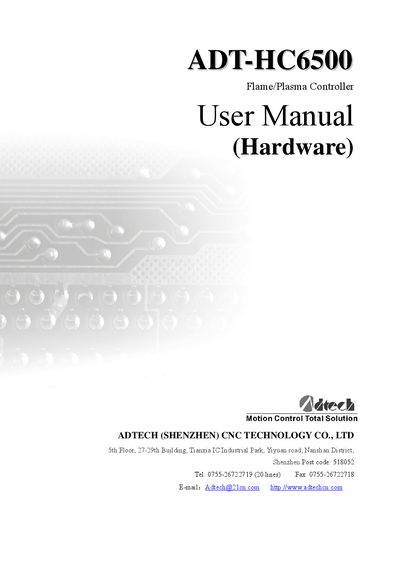
Adtech ADT-HC6500 Flame/Plasma/Fluid Controller User Manual
The ADT-HC6500 is a flame, plasma and fluid controller designed for multi‑axis cutting and motion control. This manual provides safety notices, functional introductions, hardware specifications, wiring diagrams and maintenance procedures for both the A and B series models.
Key sections include safety guidelines, controller features, detailed electrical connections, specifications, environmental limits, and an annex describing the optional keyboard interface.
Covers: Safety Notice · Maintenance and Inspection · Function Introduction · Features · Specifications · Application Environment
Latest Adtech manuals
ADTECH QXL Series AC Servo Drive Comprehensive Use Manual
User Manual 240 pages · 15.2 MB · ZHThe ADTECH QXL series AC servo drive manual provides safety guidelines, installation, wiring, debugging, and maintenance instructions for the drive.
Adtech ADT-HC6500 Flame/Plasma/Fluid Controller User Manual
User Manual 27 pages · 2.1 MB · ENUser manual for the ADT-HC6500 flame/plasma/fluid controller covering safety, installation, operation and maintenance.
Which document do I need?
User Manual
Day-to-day operation, settings and troubleshooting. Start here if the product is already set up.
Questions answered in Adtech manuals
How can the servo drive be protected from over‑current and other faults?
Install over‑current protection devices, leakage switches, over‑heat protection, and an emergency‑stop device, and configure protection parameters in the QX PC Suite software.
From: ADTECH QXL Series AC Servo Drive Comprehensive Use Manual
Which software is used to configure and debug the QXL servo drive?
The QX PC Suite debugging software is used for parameter configuration, firmware upload/download, and protection settings.
From: ADTECH QXL Series AC Servo Drive Comprehensive Use Manual
How many digital input channels does the ADT-HC6500 provide?
The controller provides 44 digital input channels, all with photovoltaic isolation.
From: Adtech ADT-HC6500 Flame/Plasma/Fluid Controller User Manual
What is the maximum pulse output frequency supported?
The pulse output can operate up to 2 MHz.
From: Adtech ADT-HC6500 Flame/Plasma/Fluid Controller User Manual