
Key facts
- Brand
- Shimaden
- Model
- SR23
- Category
- Automation control Equipment
- Industry
- Industrial
- Documents
- 2
- Languages
- ZH
- Last added
- 2026-10-01
Start here
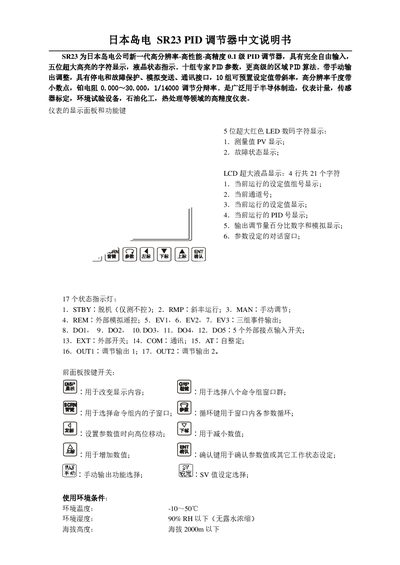
Shimaden SR23 PID Controller User Manual
This manual describes the SR23 high‑resolution PID controller from Shimaden. It covers environmental limits, power requirements, input signal setup, PID parameter configuration, and output options for both contact and analog signals.
Additional sections explain event and alarm handling, communication interfaces (RS232C/RS485), and protection features such as IP66 front‑panel rating and digital lock functions. The document provides step‑by‑step procedures for system integration and troubleshooting. This manual is written in Chinese.
Shimaden SR23 specifications
| Supply voltage | 100‑240 V AC ±10 % 50/60 Hz |
|---|---|
| Power consumption | ≤15 VA |
| Input noise (normal mode) | ≥40 dB min (50/60 Hz) |
| Safety standards | IEC 61010‑1, EN 61010‑1 |
| IP protection rating | IP66 (NEMA 4X) |
| Dimensions (H×W×D) | 96 mm × 96 mm × 110 mm |
| Weight | ≤600 g |
| Output types | Contact (Y) 240 V AC/2.5 A, Current 4‑20 mA DC, Voltage 0‑10 V DC |
All Shimaden SR23 documents by type
Day-to-day operation, settings and troubleshooting. Start here if the product is already set up.
Questions answered in these manuals
What supply voltage does the SR23 accept?
The SR23 can be powered from 100 V to 240 V AC with a ±10 % tolerance at 50/60 Hz.
How many preset PID parameter groups are available?
The controller provides ten preset PID parameter groups.
How do I set the sensor type and measurement range?
Select the appropriate sensor (e.g., K‑type thermocouple) and set the range code in the RANG field of window 7‑3, then choose the temperature unit (℃ or ℉).
How is the self‑tuning (AT) function activated?
The AT self‑tuning can be started or stopped in window 1‑1; when the AT lamp flashes, the controller is performing self‑tuning.