
Key facts
- Brand
- Povos
- Model
- PY-L626-B
- Category
- Other
- Industry
- Appliances
- Documents
- 2
- Languages
- ZH
- Last added
- 2012-03-20
Start here
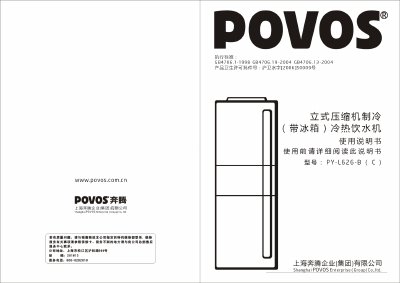
POVOS PY-L626-B Hot/Cold Drinking Water Machine User Manual
This manual explains the control panel layout, button functions, and step‑by‑step usage of the POVOS PY‑L626‑B hot and cold drinking water machine. It includes details on heating, cooling, water preservation, and cabinet disinfection functions, as well as how to set temperatures, timers, and operating modes.
Safety precautions, cleaning and maintenance procedures, troubleshooting tips, and warranty information are also covered, ensuring safe and reliable operation of the appliance in indoor environments. This manual is written in Chinese.
Povos PY-L626-B specifications
| Rated voltage / frequency | 220V / 50Hz |
|---|---|
| Rated power / current | 550W / 2.5A |
| Heating / cooling power | 420W / 100W |
| Water preservation power | 5W |
| Cabinet disinfection power | 5W |
| Refrigerator temperature range | 5‑10°C |
| Rated hot‑water capacity | 90°C, 5 L/h |
| Rated cooling‑water capacity | 10°C, 2 L/h |
| Power consumption (24 h) | 1.80 kWh |
| Weight | 36 kg (standard) / 41 kg (with cabinet) |
| Dimensions (W×D×H) | 540 mm × 540 mm × 1278 mm |
Source: POVOS PY-L626-B Hot/Cold Drinking Water Machine User Manual
All Povos PY-L626-B documents by type
Day-to-day operation, settings and troubleshooting. Start here if the product is already set up.
Questions answered in these manuals
How do I start heating water?
Press the power button to enter standby, then press the “加热” (heat) button; the machine will heat until the set temperature is reached.
From: POVOS PY-L626-B Hot/Cold Drinking Water Machine User Manual
How can I stop heating immediately?
Press and hold the “加热” button for 1 second; the heating function will stop.
From: POVOS PY-L626-B Hot/Cold Drinking Water Machine User Manual