
Key facts
- Brand
- Optex
- Model
- FX-40
- Industry
- Industrial
- Documents
- 2
- Languages
- JA · ZH
- Last added
- 2012-01-13
Start here
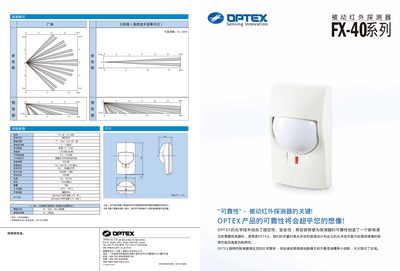
Optex FX-40 User Manual
This manual describes the FX-40 optical intrusion sensor, its multi‑focus optical design, and the high‑density detection zones it provides. It includes key specifications such as detection range, power requirements, environmental limits, and LED indicator functions.
Installation guidance covers mounting options, wiring connections, and the use of the provided mounting screws. The document also explains the sensor's RFI immunity, temperature compensation features, and optional accessories for customized deployments. This manual is written in Japanese.
Optex FX-40 specifications
| Detection zones | 72 zones |
|---|---|
| Detection range | 1.5‑2.4 m |
| Detection speed | 0.3‑1.5 m/s |
| Input voltage | 9.5‑16 V DC |
| Power consumption | 17 mW (max) |
| Operating temperature | -20 °C to +50 °C |
| Maximum humidity | 95 % RH |
Source: Optex FX-40 User Manual
All Optex FX-40 documents by type
Day-to-day operation, settings and troubleshooting. Start here if the product is already set up.
Questions answered in these manuals
What is the operating temperature range of the FX-40?
The sensor operates from –20 °C to +50 °C.
From: Optex FX-40 User Manual
What input voltage does the FX-40 require?
It requires a DC supply of 9.5 V to 16 V.
From: Optex FX-40 User Manual
What is the recommended installation height for the FX-40 series detector?
The detector should be installed at a height between 1.5 m and 2.4 m.
What power supply voltage does the FX-40 series require?
It operates from a DC supply of 9.5 V to 16 V.