
Key facts
Start here
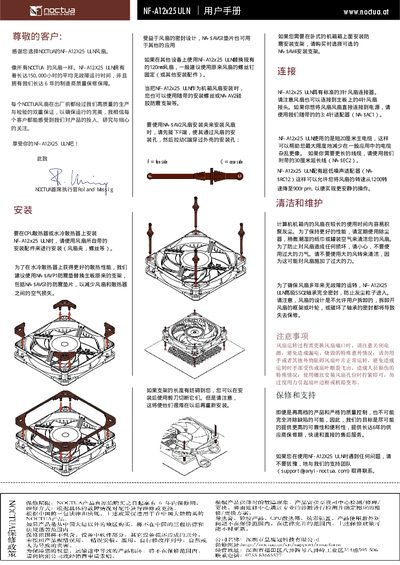
Noctua NF-A12x25 ULN Fan User Manual
This manual explains how to install the NF-A12x25 ULN 120 mm fan, including mounting instructions, compatible accessories, and wiring details. It also covers safety precautions such as powering off the system before replacement and avoiding contact with the rotating blades.
Additional sections describe the fan’s technical specifications, warranty and support options, and contact information for further assistance. The document is intended for end‑users and system builders who need reliable cooling performance. This manual is written in Chinese.
Noctua NF-A12x25 ULN specifications
| Fan size | 120 mm |
|---|---|
| Lifespan | 150,000 hours |
| Minimum speed | 900 rpm |
| Maximum speed | 2000 rpm |
All Noctua NF-A12x25 ULN documents by type
Day-to-day operation, settings and troubleshooting. Start here if the product is already set up.
Questions answered in these manuals
How should I replace the fan safely?
Turn off the power before replacing the fan, avoid touching the blades, and do not obstruct the fan during operation to prevent injury or blade breakage.
How do I mount the fan?
Secure the fan with screws, tighten them sufficiently, but do not overtighten to avoid deforming the fan frame or the case.
What speed settings does the NF-A12x25 ULN fan have?
It offers two speed settings: 1200 RPM and 900 RPM.
How long is the warranty for the NF-A12x25 ULN?
The fan comes with a six‑year warranty.