
Trial Service Application and Cancellation Guide

Step‑by‑step guide for applying for a trial service and cancelling it.


Trial Service Application and Cancellation Guide - cover page
Category
Application program
Document type
User Manual
Language
Japanese
Pages
16
File format
PDF
File size
1.2 MB
Published
29 September, 2026
Updated
29 September, 2026
MD5 checksum
2CAE5D5BD7FA832AEC9C29780D1213BE

About this manual

The document explains how to sign up for a trial service. It details the payment steps, including entering an email address, user name, and credit‑card information, clicking the purchase button, receiving a license key by email, and downloading the software.

It also describes the cancellation process. Users follow the link in the order‑history email to access MyCommerce, log in with their email and order number, request a password reset, and finally cancel the order to complete the trial termination. This manual is written in Japanese.

What's inside

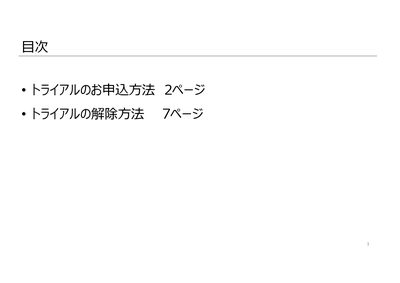
  • Trial Application Procedure
  • Payment Procedure
  • Trial Cancellation Procedure
Download PDF (1.2 MB)

Also Manuals