This guide explains how to log in, search, read, download, and use the Chaoxing Huya eBook platform and its reader.
About this manual
The Huya eBook platform provides three online reading options—Chaoxing Reader, web reading, and PDF—allowing users to search for books by title, author, or full text, and to download them for offline use. Advanced search lets you locate books precisely by entering any bibliographic information.
The guide also covers downloading and installing the Chaoxing Reader, including step‑by‑step installation, license agreement acceptance, and customizable installation paths. It describes reader features such as OCR text recognition, bookmarks, and annotation tools. This manual is written in Chinese.
What's inside
- Login Method
- Resource Search
- Advanced Search
- Reading and Download Options
- Additional Support Services
- Reader Download and Installation
- Reader Usage Tips
- OCR Text Recognition
- Bookmarks
- Annotations
Specifications
| Reading Options | Chaoxing Reader, web, PDF |
|---|
| Installation Path | Customizable |
|---|
| OCR Function | Available |
|---|
Frequently asked questions
How do I log in to the Huya eBook platform?
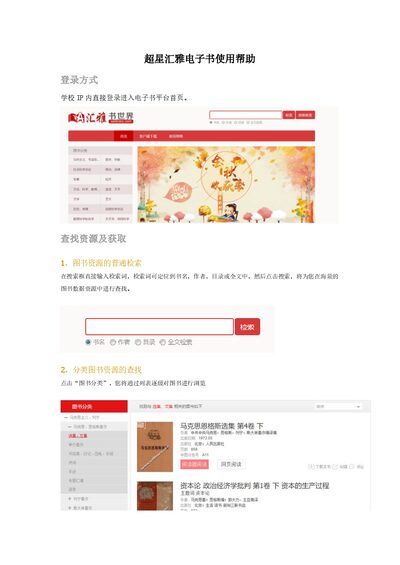
Log in directly within the school IP network on the eBook platform homepage.
What is the method for OCR text recognition in the reader?
Select the “文字识别” button on the toolbar and draw a box around the text you want to recognize.
How do I add a bookmark to a book?
Open the local book, click the button at the top‑right corner, then choose the bookmark option from the menu.