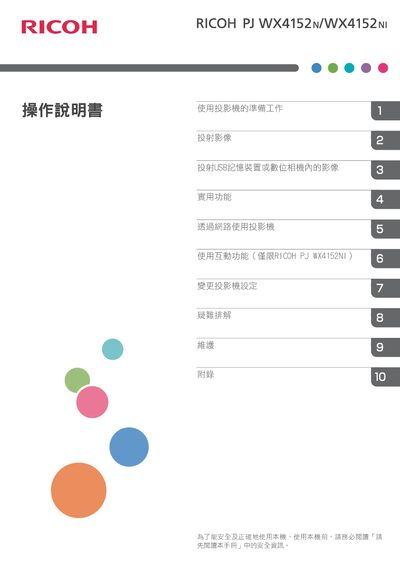
The Ricoh PJ WX4152NI projector user manual provides setup, operation, network, interactive features, and maintenance instructions.
About this manual
This manual covers everything needed to get the Ricoh PJ WX4152NI projector up and running, including preparation steps, component descriptions, and basic operation such as turning the unit on, adjusting focus, keystone correction, and selecting projection modes.
It also explains how to connect external devices, use USB and network features, enable the optional interactive mode, adjust settings, troubleshoot common issues, and perform routine maintenance like cleaning filters and replacing the lamp. This manual is written in Chinese.
What's inside
- Preparation and Safety
- Main Functions
- Projector Components and Controls
- Remote Control Usage
- Projection Modes and Image Adjustment
- Network Connection (Wired and Wireless)
- Interactive Function (PJ WX4152NI only)
- Maintenance and Cleaning
Frequently asked questions
How do I clean the projector’s air filter?
Refer to the maintenance section and follow the steps for cleaning the air filter as described in the manual.