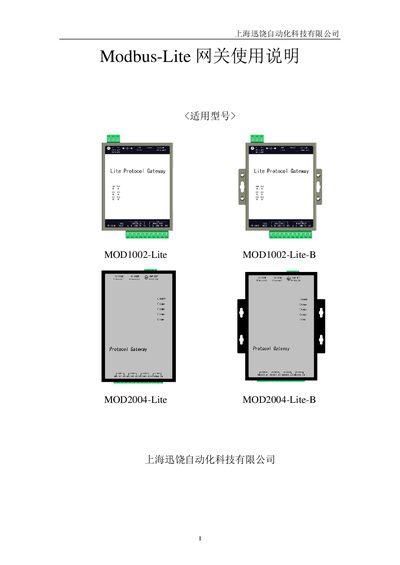
User manual for XunRao X2Modbus-Lite gateway covering setup, configuration, web server, and troubleshooting.
About this manual
The X2Modbus‑Lite gateway from XunRao converts various Modbus protocols to standard Modbus RTU or Modbus TCP. It can be configured on a PC using the X2Modbus software and then uploaded to the hardware gateway, or run entirely in PC mode.
The manual provides step‑by‑step instructions for language selection, monitoring mode, driver and channel setup, web server usage, MODBUS client access, JS script control, hardware specifications, and common troubleshooting tips. This manual is written in Chinese.
What's inside
- Preface
- Overview
- Usage Instructions
- Web Server
- MODBUS Client Access
- JS Script Logic Control
- Hardware Gateway Description
- Common Issues
- Appendix
Specifications
| Rated Power | 7 W |
|---|
| Operating Voltage | 24 V (9‑24 V range) |
|---|
| Operating Temperature | -30 °C to 70 °C |
|---|
| Storage Temperature | -30 °C to 85 °C |
|---|
| Relative Humidity (operating) | 20 %–90 % non‑condensing |
|---|
| IP Rating (front panel) | IP65 |
|---|
| IP Rating (rear enclosure) | IP20 |
|---|
| Dimensions (MOD1002‑Lite) | 140 mm × 93 mm × 37 mm |
|---|
| Weight | 500 g |
|---|
| Network Interface | 2× RJ45, 10/100 M auto‑MDI/MDIX |
|---|
Frequently asked questions
How do I change the operating language?
Open the main program, go to the View menu and select “Language Settings”, then choose the desired language in the dialog.