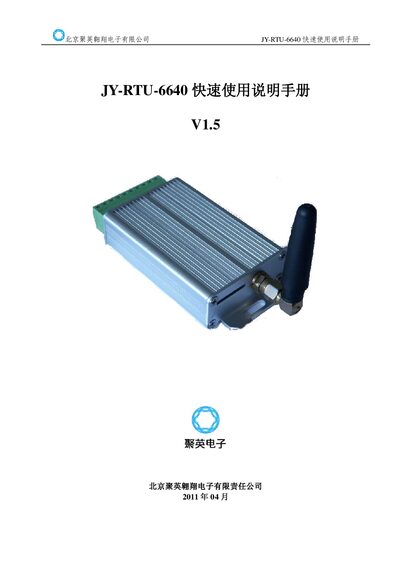
This quick user manual provides hardware connection, configuration, and communication setup instructions for the JY-RTU-6640 remote terminal unit.
About this manual
The manual describes how to install and configure the JY-RTU-6640 RTU. It covers hardware wiring, power requirements, digital and analog I/O pin assignments, and the communication interfaces (RS232, RS485, Modbus).\n\nKey sections include analog signal wiring (4‑20 mA and 0‑30 V), telephone/SMS alarm setup, GPRS network configuration, and remote parameter management. The document also lists Modbus register addresses for monitoring and control. This manual is written in Chinese.
What's inside
- Hardware Connection
- Function Structure
- Communication Interface
- Analog Input Configuration
- Digital Output Configuration
- Current and Voltage Measurement
- Phone and SMS Configuration
- GPRS Configuration
- Remote Parameter Configuration
Specifications
| Supply voltage range | 5‑37 V |
|---|
| Analog input voltage range | 0‑30 V |
|---|
| Current loop input range | 4‑20 mA |
|---|
| RS485 termination resistor | 200 Ω |
|---|
| Communication interfaces | RS232, RS485 (Modbus) |
|---|
Frequently asked questions
How do I connect the RTU to an RS485 network?
You need an external RS485 converter, which must be purchased separately.
What is the allowed supply voltage for the JY-RTU-6640?
The device operates with a supply voltage between 5 V and 37 V.
How do I enable SMS alerts for alarms?
Enable the “短信使能” option in the basic settings; if GPRS mode is also enabled, SMS alerts will be sent to the configured server.