
Key facts
- Manuals
- 1
- Categories
- 1
- Languages
- ZH
- Last added
- 2012-02-22
Featured 高清CARS摄像机 manuals
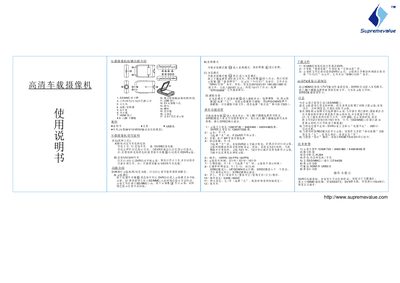
8.9 Car Dash Cam User Manual
The guide describes each button on the dash cam, including power, record, photo, up/down navigation, mode switch, and HDMI. It also covers the indicator lights that show normal operation (green) and charging status (red).
Power can be supplied either by the built‑in rechargeable Li‑ion battery or by connecting a car charger (12 V/24 V). The camera automatically starts recording when powered on, and recordings are saved to an inserted SD/MMC card. Menu settings let you adjust video resolution, frame rate, audio, motion detection, date stamp, language, and other parameters. This manual is written in Chinese.
Covers: Button Functions · Power Supply · Recording Modes · Storage Card · Menu Settings · HDMI Output
Latest 高清CARS摄像机 manuals
8.9 Car Dash Cam User Manual
User Manual 1 pages · 106 KB · ZHThis manual explains the functions, operation, and settings of the 8.9 car dash cam.
Which document do I need?
User Manual
Day-to-day operation, settings and troubleshooting. Start here if the product is already set up.
Questions answered in 高清CARS摄像机 manuals
How does the dash cam start recording?
Press the power switch or connect the car charger; the camera automatically enters recording mode.
How can I change the language of the menu?
Enter the menu, select the language option, and choose English, Simplified Chinese, Traditional Chinese, Portuguese, Japanese, or Russian.