
Key facts
- Manuals
- 1
- Languages
- ZH
- Last added
- 2012-03-14
Featured Shenzhen市炫蓝光电子 manuals
Xuan Bluephotoelectric TF-MU USB Card User Manual
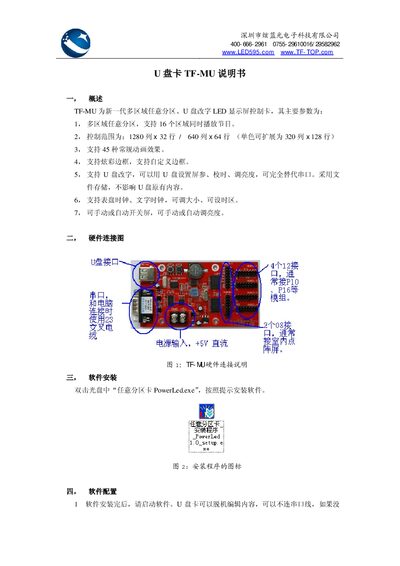
The TF-MU is a next‑generation multi‑region, arbitrary‑partition LED display controller that supports up to 16 zones, various animation effects, and USB‑based configuration. It can replace traditional serial‑port setups and offers clock displays, brightness control, and automatic screen on/off.
This manual covers hardware wiring, software installation (PowerLed.exe), screen parameter configuration, program creation, exporting programs to a USB drive, error‑code explanations, and the physical/electrical specifications of the controller. This manual is written in Chinese.
Covers: Overview · Hardware Connection Diagram · Software Installation · Software Configuration · Program Editing · Export Program to USB
Latest Shenzhen市炫蓝光电子 manuals
Xuan Bluephotoelectric TF-MU USB Card User Manual
User Manual 5 pages · 400 KB · ZHThe TF-MU USB Card manual explains hardware connections, software setup, program editing, and troubleshooting for the multi‑region LED display controller.
Which document do I need?
User Manual
Day-to-day operation, settings and troubleshooting. Start here if the product is already set up.
Questions answered in Shenzhen市炫蓝光电子 manuals
How do I install the TF-MU software?
Insert the CD and double‑click “任意分区卡 PowerLed.exe”, then follow the on‑screen prompts to install the software.
How can I export a program to a USB drive?
Select the “文件 → 导出到 U盘” menu, choose the desired options, and click “确定保存” to write the program to the USB drive.