
Key facts
- Manuals
- 1
- Categories
- 1
- Languages
- ZH
- Last added
- 2012-03-12
Featured 智能蓝牙电话/立体声耳机说明书 manuals
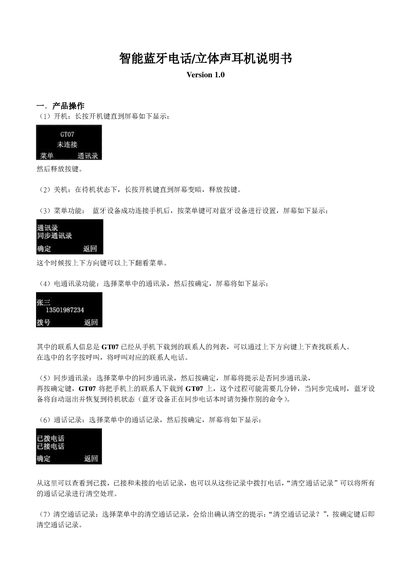
GT07 Bluetooth Telephone / Stereo Earphone User Manual
This manual explains how to operate the GT07 device. Power on by long‑pressing the power key until the screen lights up, and power off by holding the key until the screen darkens. The main menu lets you access functions such as phonebook, call history, music playback, radio, and various device settings.
You can manage contacts, sync the phonebook from a paired mobile phone, view and clear call logs, adjust vibration, ringtone, screen and key backlight, lock the keyboard, and configure Bluetooth pairing, reconnection and password. The manual also covers making and receiving calls, unlocking the keyboard, and alerts for disconnection or low battery. This manual is written in Chinese.
Covers: Power On/Off · Menu Navigation · Phonebook Management · Call History · Music Playback · Radio Function
Latest 智能蓝牙电话/立体声耳机说明书 manuals
GT07 Bluetooth Telephone / Stereo Earphone User Manual
User Manual 4 pages · 123 KB · ZHThe GT07 Bluetooth telephone and stereo earphone user manual provides step‑by‑step instructions for power control, menu navigation, contacts, calls, music…
Which document do I need?
User Manual
Day-to-day operation, settings and troubleshooting. Start here if the product is already set up.
Questions answered in 智能蓝牙电话/立体声耳机说明书 manuals
How do I turn the GT07 on?
Press and hold the power key until the screen lights up, then release the key.
From: GT07 Bluetooth Telephone / Stereo Earphone User Manual
How do I turn the GT07 off?
Hold the power key until the screen darkens, then release the key.
From: GT07 Bluetooth Telephone / Stereo Earphone User Manual