
Key facts
- Manuals
- 1
- Categories
- 1
- Languages
- ZH
- Last added
- 2012-03-15
Featured 数码听 manuals
Lenovo F620 Digital Audio Player User Manual
This manual describes the Lenovo F620 digital audio player, its three operating modes (Music, Voice, FM Radio), button layout, and supported functions such as playback control, equalizer settings, recording, and memory management. Detailed procedures for playing, deleting, and looping tracks, as well as FM station scanning and storage, are included.
It also covers connecting the device to a computer, system requirements, safety precautions, battery handling, and troubleshooting guidance. Users are advised on proper usage, backup, and maintenance to ensure reliable operation. This manual is written in Chinese.
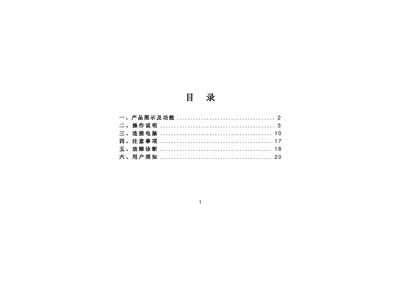
Covers: Product Overview and Functions · Operation Instructions · Connecting to Computer · Precautions · Troubleshooting · User Guidelines
Latest 数码听 manuals
Lenovo F620 Digital Audio Player User Manual
User Manual 22 pages · 204 KB · ZHThe Lenovo F620 digital audio player user manual provides operation instructions, mode functions, connection steps, and troubleshooting tips.
Which document do I need?
User Manual
Day-to-day operation, settings and troubleshooting. Start here if the product is already set up.
Questions answered in 数码听 manuals
How do I delete a single music file?
Enter the Delete menu, select the file, confirm the prompt "delete file?" and press Play to delete it.
Do I need drivers to connect the F620 to a Windows XP computer?
No. The F620 supports plug‑and‑play on Windows 2000 and XP, so it can be connected directly without installing drivers.