
Key facts
- Manuals
- 1
- Categories
- 1
- Languages
- ZH
- Last added
- 2012-03-13
Featured 串口服务器参数 manuals
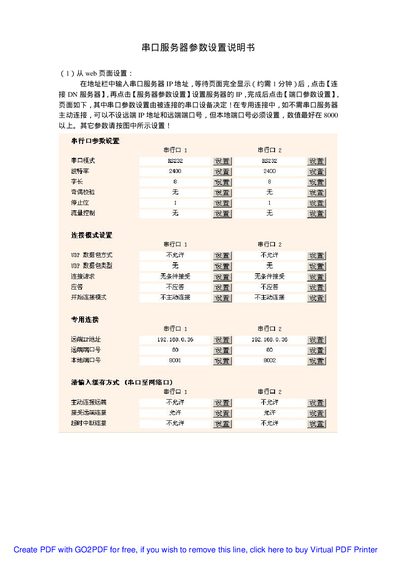
Serial Port Server Parameter Settings Manual
The document describes configuring the serial port server through a web browser. Users enter the server's IP address, access the server‑parameter page, and set port parameters such as baud rate, data bits, parity, stop bits and flow control. Local port numbers and remote connection details are also configured.
It also provides instructions for setting parameters from a DOS prompt. By running CMD, users can issue ARP and Telnet commands to test connectivity and adjust settings such as IP address, gateway, subnet mask and Telnet password. This manual is written in Chinese.
Covers: Web Interface Configuration · Port Parameter Settings · Connection Mode Settings · DOS Configuration · Telnet Configuration · Other Settings
Latest 串口服务器参数 manuals
Serial Port Server Parameter Settings Manual
User Manual 4 pages · 230 KB · ZHThis manual explains how to configure a serial port server via its web interface, DOS commands, and Telnet.
Which document do I need?
User Manual
Day-to-day operation, settings and troubleshooting. Start here if the product is already set up.
Questions answered in 串口服务器参数 manuals
How can I configure the server from a DOS command prompt?
Open CMD, run the ARP command to set the MAC address, then use Telnet to test the connection and adjust settings.